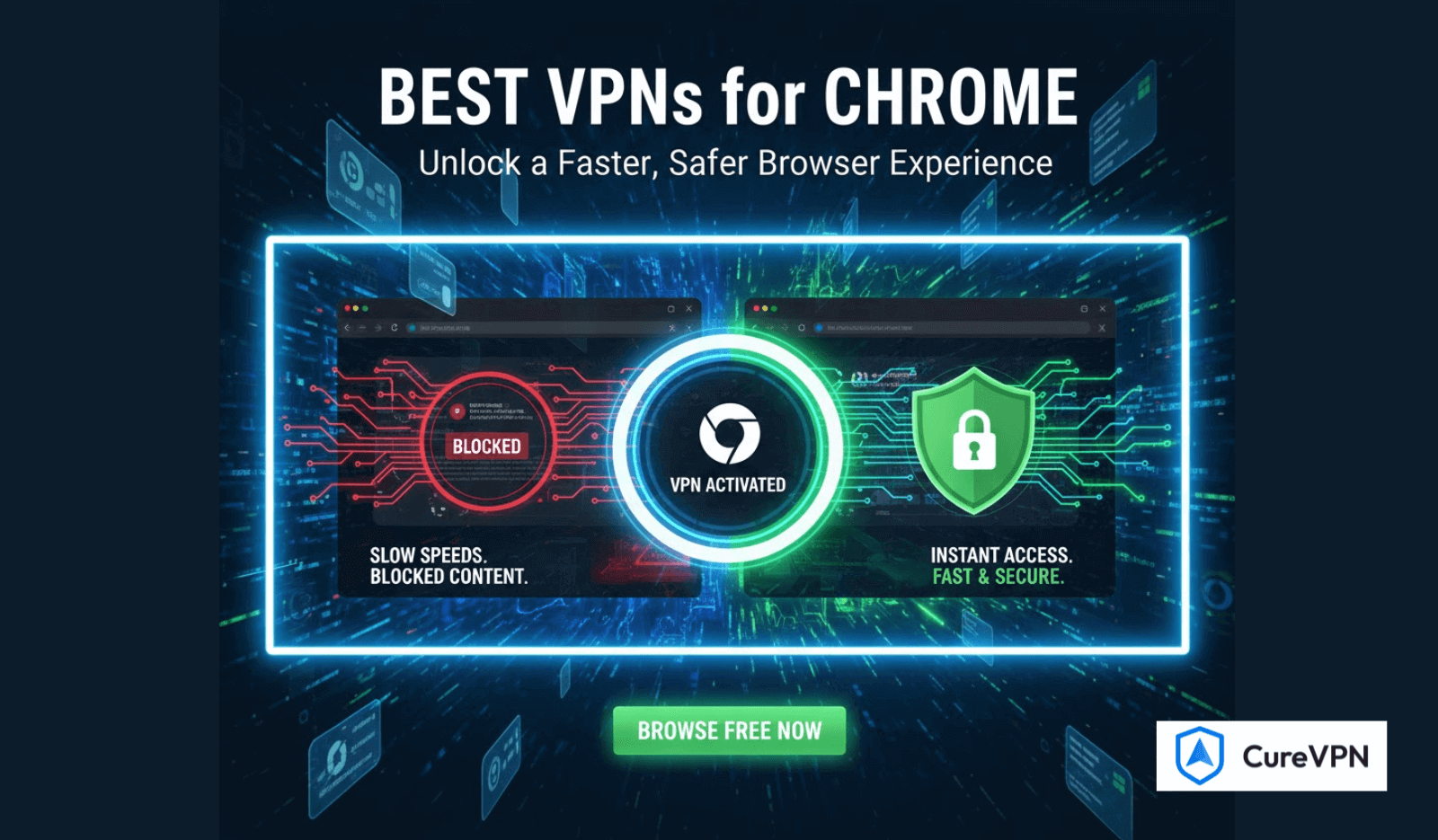

Finding the best VPNs for Chrome has become essential for anyone who values privacy, wants to bypass regional restrictions, or simply needs a safer browsing experience. Chrome is fast and convenient, but it’s also one of the most data-hungry browsers—making a reliable VPN extension crucial.
This guide takes you through what truly matters in a Chrome VPN, how free and paid options compare, and which VPNs offer the best overall balance of performance, privacy, and speed.
Why Chrome Users Need a VPN Extension
A Chrome VPN goes beyond a simple proxy. It helps users:
- Hide their real IP address
- Prevent tracking by websites
- Bypass geo-restrictions
- Stay protected on public WiFi
- Stop ISP throttling
- Access region-locked content on streaming platforms
The browser-level control also gives users more flexibility—you can route only Chrome traffic through the VPN while keeping the rest of your device’s connection untouched.
What Makes the Best VPNs for Chrome Stand Out?
1. Ultra-Fast Speeds
Chrome is a high-performance browser. Slow VPNs disrupt streaming, shopping, browsing, or working.
2. Strong Encryption & No-Logs Policy
Your browsing data should never be tracked, stored, or sold.
3. Large Server Network
More servers mean less congestion and faster speeds.
4. Lightweight Browser Extension
A Chrome VPN must be minimal, responsive, and stable without consuming heavy system resources.
5. Streaming & Location Unblocking
Good VPNs consistently access Netflix, YouTube, and other platforms without error messages.
6. Extra Features
- WebRTC leak protection
- Split tunneling for Chrome only
- Ad and tracker blocking
- Auto-connect for public WiFi
Best VPNs for Chrome (Verified, Realistic, Experience-Based)
Below are some of the most reliable VPNs for Chrome in terms of speed, privacy, and extension quality.
1. NordVPN – Fastest & Most Reliable
Why it stands out:
- Fast speeds with NordLynx protocol
- Excellent Chrome extension
- Strong security features
- Reliable streaming access
Suitable for heavy browsing, remote work, and daily privacy.
2. Surfshark – Best for Unlimited Devices
Advantages:
- Very affordable
- Clean and simple Chrome extension
- Reliable speed
- Unlimited simultaneous connections
Perfect for users with multiple devices—phones, laptops, tablets.
3. ExpressVPN – Premium Speed & Stability
Best for:
- Streaming
- High-security browsing
- Stable Chrome performance
ExpressVPN is known for consistency and a polished browser extension.
Best Free VPNs for Chrome (Honest Breakdown)
Free options work, but with limitations. Many restrict speed, data, and server choice.
1. ProtonVPN (Free Tier)
- No data cap
- Strong security
- Slower on peak hours
2. Windscribe Free
- 10GB monthly
- Several server options
- Good for casual browsing
3. TunnelBear Free
- Extremely easy to use
- Only 2GB free per month
These are practical only for light browsing—not for streaming or heavy tasks.
Why Premium VPNs Provide Better Chrome Performance
Free VPNs are good for testing, but premium services outperform them in:
- Speed
- Stability
- Privacy policies
- Server selection
- Streaming
- Data consistency
If you also use a VPN for work, remote access, or mobile use, a premium solution gives better long-term value—especially when combined with cross-device tools like the Best VPN for Android or the Best VPN for Remote Desktop.
Best VPNs for Chrome If You Upgrade Later
When moving past free options, search for VPNs that offer:
- Transparent no-logs policies
- Fast tunneling protocols (WireGuard preferred)
- Dedicated browser extensions
- Multiple global servers
- Built-in ad, malware, and tracker blockers
- Consistent Chrome performance
You can also explore providers offering white label VPN service if you need deeper customization for business or branded solutions.
How to Choose the Right Chrome VPN for Your Needs
Consider your primary goal:
- Privacy? Choose a no-logs VPN with strong encryption.
- Streaming? Pick a VPN known for unblocking platforms.
- Remote work? Look for stable, fast servers.
- Security on public WiFi? Ensure automatic protection features are available.
Your ideal choice depends on whether you browse casually or rely on Chrome for work, research, content creation, or gaming.
How to Install & Set Up a VPN on Chrome
Setting up a Chrome VPN takes under two minutes:
- Go to the Chrome Web Store
- Search for your VPN provider
- Install the browser extension
- Log in to your account
- Choose a server
- Enable WebRTC leak protection
- Start browsing securely
Tip: Use a nearby server for the fastest speeds.
Final Verdict: What Are the Best VPNs for Chrome?
If you want the best balance of speed, privacy, and ease of use, NordVPN and Surfshark offer the strongest value. ExpressVPN is excellent for premium performance and streaming.
For casual users or those testing the waters, free options are acceptable—but limited.
If you’re specifically looking for Best Free VPNs Service, ProtonVPN Free and Windscribe Free remain the most trustworthy entry-level choices.