
Let’s cut through the marketing noise. You’re looking for a VPN, and suddenly everyone claims to be the fastest, most secure, and most private option on the planet. The reality is far less glamorous. Many VPN services overpromise and underdeliver. Some even log your data while pretending to protect it.
I’ve spent years analyzing VPN infrastructure, testing encryption protocols, and watching providers come and go. What separates a reliable VPN from a risky one comes down to a handful of non-negotiable features. Forget the flashy websites and countdown timers. Focus on what actually keeps your traffic private and your connection stable.
This guide breaks down the top VPN features to consider before you hand over your credit card details. Whether you’re securing a home office, protecting a family full of devices, or simply tired of being tracked across the web, these are the benchmarks that matter.
Why Most VPNs Fail at the One Job They Have?
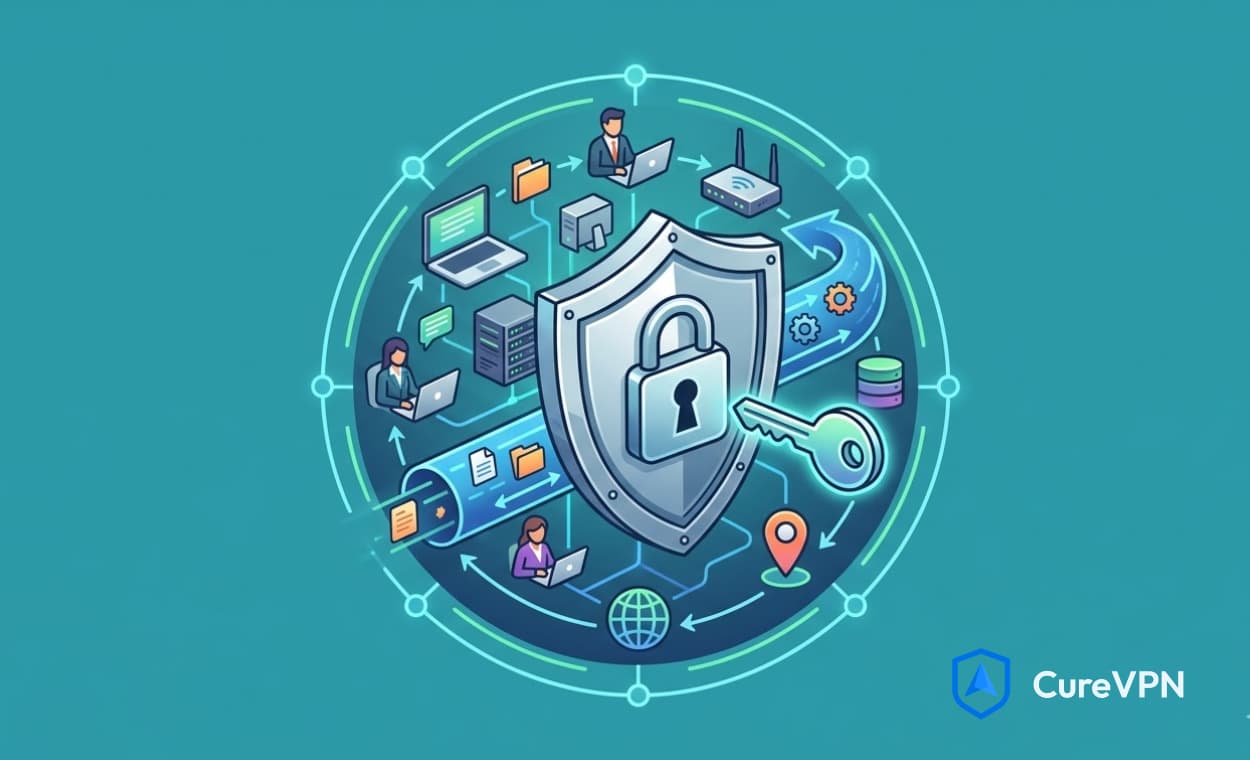
A VPN should create a secure, encrypted tunnel between your device and the internet. That’s the core promise. Yet many providers introduce security holes through poor implementation, leaky apps, or sloppy server management.
Take the kill switch, for example. This feature sounds simple enough. If the VPN connection drops, the internet cuts off. But not all kill switches work the same way. Some operate at the application level, which can fail if the VPN app crashes. Better implementations work at the system level, ensuring no data slips out even if the software itself goes down.
The same logic applies to encryption. AES-256 is the gold standard, but how it’s implemented matters. Weak key exchanges or outdated TLS configurations can undermine even the strongest cipher. When evaluating providers, dig past the marketing claims. Look for independent audits, transparent documentation, and a track record of responsible disclosure.
The Security Backbone: Encryption, Protocols, and No-Logs Verification
Strong security starts with encryption. The industry standard is AES-256, the same encryption used by governments and financial institutions to protect classified information. It’s virtually unbreakable with current computing power. Some providers now offer ChaCha20, a modern alternative that performs well on mobile devices without sacrificing security.
Encryption alone doesn’t complete the picture. The protocol handling that encryption matters just as much. WireGuard has gained widespread adoption because it uses modern cryptography and delivers faster connection times than older protocols like OpenVPN. It’s lean, audited, and integrated into most quality VPN apps today. OpenVPN remains a solid choice, particularly for users who prioritize configurability and long-term stability. IKEv2/IPsec excels on mobile networks, handling transitions between Wi-Fi and cellular data without dropping the connection.
Then comes the no-logs policy. This is where many VPN providers make promises they can’t keep. A true no-logs provider does not store connection timestamps, IP addresses, bandwidth usage, or session details. The only way to verify these claims is through independent audits. Look for providers that publish third-party audit reports from firms like Deloitte, PwC, or Cure53. RAM-only servers take this further by wiping all data with every reboot, ensuring nothing persists.
Speed and Server Infrastructure: Where Performance Lives
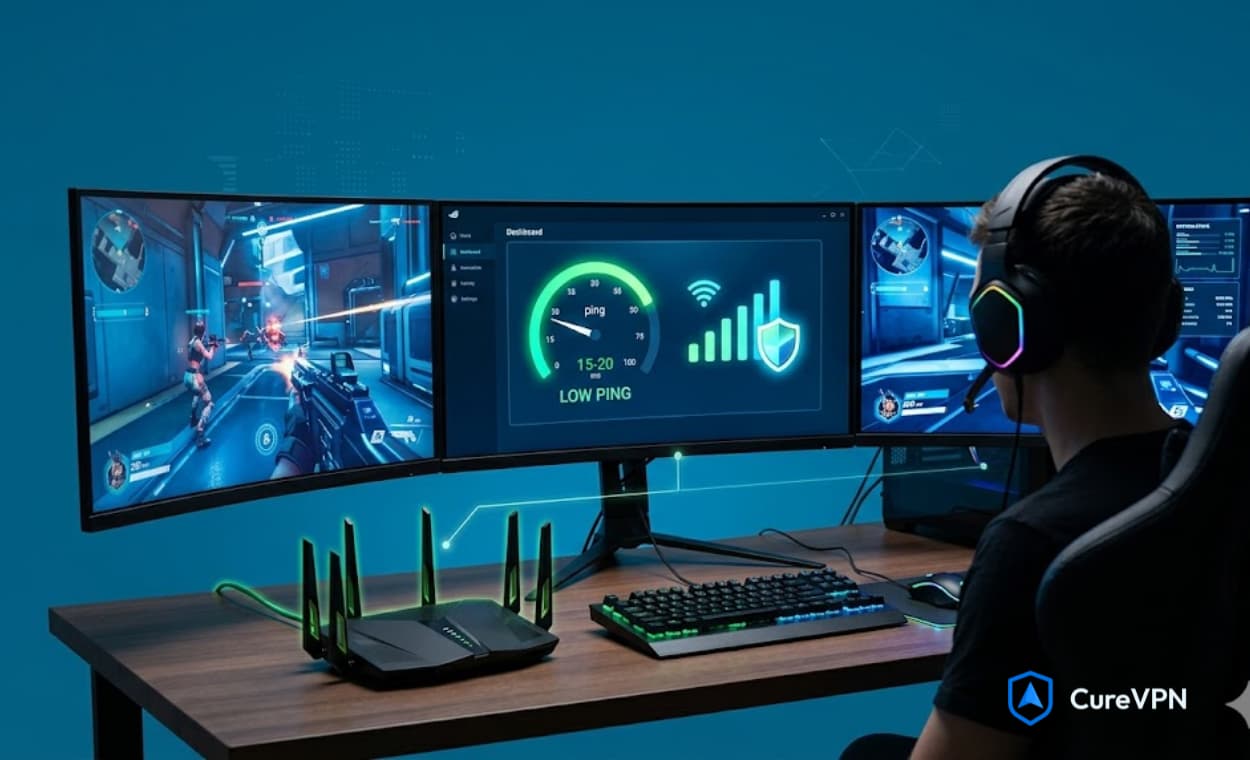
A VPN is useless if it makes your internet unusable. Speed depends largely on server infrastructure. Providers with thousands of servers distributed across strategic locations can balance traffic effectively. Proximity matters too. Connecting to a server in the same country or region reduces latency and maintains throughput.
Server diversity also affects content access. A VPN with servers in 60 countries gives you more options than one with servers in 20. But raw numbers don’t tell the whole story. Server quality matters. Physical servers outperform virtual servers. First-party infrastructure gives providers more control than renting from cloud providers like AWS or Google Cloud.
Look for providers that publish real-time server load information. This transparency indicates confidence in their network capacity. Some VPNs even offer dedicated streaming or P2P servers optimized for specific tasks. These specialized servers often sit on high-bandwidth connections with lower contention ratios, delivering consistent performance during peak hours.
Connection Reliability: Kill Switches, Leak Protection, and Stability
Connection drops happen. Network interruptions, device sleep cycles, and router restarts can all disrupt a VPN tunnel. A reliable VPN anticipates these failures and protects you when they occur.
The kill switch should activate instantly when the VPN connection fails. System-level implementations work best because they don’t rely on the VPN app running properly. Some operating systems, particularly Windows and macOS, allow VPN providers to create network-level filters that block all non-VPN traffic by default.
DNS leak protection is equally critical. Even with the VPN tunnel active, some applications may send DNS requests outside the encrypted tunnel if not configured correctly. Quality VPN services route all DNS traffic through their own servers, preventing your ISP from seeing which websites you visit. IPv6 leak protection matters too, as many networks now assign IPv6 addresses that can bypass IPv4 VPN tunnels.
Device Compatibility and Simultaneous Connections
The best VPN protects everything you own. That means native apps for Windows, macOS, iOS, Android, and Linux. Browser extensions for Chrome and Firefox add another layer of convenience for lightweight browsing tasks.
VPN on Router setups represent the ultimate in whole-home protection. Installing a VPN directly on your router secures every device that connects to your Wi-Fi, including smart TVs, gaming consoles, and IoT devices that don’t support VPN apps natively. This approach eliminates the need to install software on each device individually. For VPN solutions for home, router-level deployment is often the cleanest, most comprehensive option.
Simultaneous connection limits determine how many devices you can protect under one subscription. Most quality providers allow five to ten connections. Some offer unlimited connections, which is ideal for large families or small offices. If you’re looking at best VPNs for Chrome, consider providers that offer browser extensions alongside full apps, giving you flexibility in how you connect.
Advanced Privacy Features: Split Tunneling, Obfuscation, and Multi-Hop
Split tunneling gives you granular control over which traffic goes through the VPN. Want your banking app to use your regular connection while your browser routes through the VPN? Split tunneling makes this possible. It’s particularly useful for services that block VPN connections or for maintaining local network access while using a VPN.
Obfuscation disguises VPN traffic as regular HTTPS traffic. This feature becomes essential in countries with aggressive VPN blocking or on restrictive networks like schools and workplaces. Obfuscated servers use techniques like random packet sizes, timing variations, and protocol mimicry to avoid detection.
Multi-hop routing, sometimes called double VPN, sends your traffic through two servers in different locations. This adds an extra layer of anonymity because no single server sees both your origin and destination. The trade-off is slower speeds, so this feature is best reserved for high-stakes scenarios where maximum privacy outweighs performance concerns.
Streaming and Torrenting Capabilities
Not all VPNs work with streaming platforms. Netflix, Hulu, BBC iPlayer, and Disney+ actively block VPN traffic. Providers that maintain dedicated streaming servers often rotate IP addresses and optimize for these platforms. Look for services that explicitly mention streaming support and update their server lists regularly.
Torrenting requires different considerations. P2P-optimized servers handle high volumes of simultaneous connections without throttling. A reliable kill switch becomes mandatory here because torrent clients can continue uploading even after a VPN disconnects, exposing your real IP address to the swarm.
Speed directly impacts both streaming and torrenting. Providers offering speeds of at least 100 Mbps with no bandwidth caps can handle 4K streaming and large file transfers without buffering. Some services also offer port forwarding, which improves torrenting performance by allowing more incoming connections.
Customer Support and Transparency
Problems will arise. You’ll need help configuring a router, troubleshooting a connection drop, or understanding a billing issue. Quality VPN providers offer 24/7 live chat support with actual technical staff, not chatbots that cycle through scripted responses.
Support quality often reflects overall service quality. Companies that invest in knowledgeable support teams typically invest in infrastructure and security too. Response times, availability of setup guides, and documentation depth all matter.
Transparency extends beyond support. Look for providers that publish transparency reports detailing government requests for user data. Companies based in privacy-friendly jurisdictions outside the Five Eyes, Nine Eyes, and Fourteen Eyes alliances face fewer legal pressures to log or share user information.
Free VPN Services: The Hidden Costs
Free VPN service offerings tempt many users, but they come with significant trade-offs. Free VPNs often limit bandwidth, cap speeds, and restrict server access. More concerning, some free providers monetize through data collection, selling user browsing habits to advertisers or injecting tracking cookies into traffic.
Running a VPN infrastructure costs real money. If you’re not paying for the product, you become the product. There are exceptions. Some premium providers offer limited free tiers with no data collection, using the free version as a marketing tool for their paid service. These are rare. For most users, a paid VPN with a money-back guarantee represents the safer, more sustainable choice.
Assessing Value Beyond the Price Tag
VPN pricing varies wildly. Monthly plans often run $10 to $15. Long-term subscriptions drop to $3 to $5 per month. But the cheapest option isn’t always the best value. Consider what you’re getting for your money.
A provider offering 5,000 servers across 60 countries with audited no-logs policies, WireGuard support, and 24/7 support delivers more value than a cheaper alternative with 50 servers and questionable privacy practices. Money-back guarantees reduce risk. Most quality providers offer 30-day refund policies, giving you time to test speeds, compatibility, and reliability before committing.
Making Your Final Decision
The top VPN features to consider all serve one purpose: protecting your privacy without compromising performance. Start with security basics. Verified no-logs policies, strong encryption, and reliable kill switches form the foundation. Then evaluate speed and server infrastructure based on your needs. Streaming requires different capabilities than general browsing or torrenting.
Consider device compatibility carefully. VPN on Router setups provide whole-home coverage that individual apps can’t match. For households with multiple users, VPN solutions for home that offer unlimited simultaneous connections or router compatibility simplify management significantly. If you primarily browse on laptops and desktops, best VPNs for Chrome extensions offer lightweight options, though full apps provide stronger protection.
Watch out for free VPN service traps. The privacy you gain from a VPN disappears if the provider itself collects and sells your data. Paid services with transparent business models offer predictable, sustainable protection.
Test before you commit. Use money-back guarantees to verify that the service works with your devices, delivers acceptable speeds, and unblocks the content you care about. A VPN that frustrates you with slow speeds or complex setups won’t get used consistently, and inconsistent protection defeats the purpose.
Frequently Asked Questions
What is the most important VPN feature to look for?
A verified no-logs policy backed by independent audits. Without this, other security features become meaningless because the provider could be recording your activity. Strong encryption and reliable kill switches rank second.
Can I install a VPN on my router?
Yes. VPN on Router setups protect every device connected to your Wi-Fi network. This includes smart TVs, gaming consoles, and other devices that don’t support VPN apps. Router installation requires compatible hardware and some technical setup, but many VPN providers offer configuration guides and pre-configured routers.
How many devices can I connect simultaneously?
This varies by provider. Most premium services offer five to ten simultaneous connections. Some offer unlimited connections, which works well for large households or small teams. Check connection limits before subscribing, especially if you plan to protect multiple family members.
Are free VPN services safe to use?
Most free VPN service options introduce privacy risks. Free providers often limit bandwidth, show ads, or collect and sell user data. Some have been caught injecting tracking cookies or installing malware. A few reputable providers offer limited free tiers with no data collection, but paid VPNs with money-back guarantees generally provide better protection.
Which VPN works best for Chrome browsing?
The best VPNs for Chrome combine a reliable browser extension with a full desktop or mobile app. Browser extensions alone only protect traffic within the browser. Full apps protect all applications, including email clients, messaging apps, and background services. For comprehensive protection, look for providers that offer both.
What speeds should I expect from a quality VPN?
A well-optimized VPN should deliver at least 70 to 80 percent of your base internet speed. With WireGuard or modern OpenVPN configurations, many users see speeds exceeding 100 Mbps, sufficient for 4K streaming and large downloads. Providers with extensive server networks and high-bandwidth infrastructure maintain consistent speeds even during peak usage.
How do I know if a VPN is actually secure?
Look for independent security audits, published transparency reports, and clear documentation of encryption standards. Providers that have undergone third-party code audits and infrastructure reviews demonstrate accountability. Avoid services that make vague claims about privacy without providing verifiable evidence.
Choose Protection That Works as Hard as You Do
Selecting a VPN isn’t about finding the most features or the lowest price. It’s about finding a service that delivers consistent, reliable privacy across every device you own. The right VPN disappears into the background, protecting your traffic without demanding your attention or slowing your workflow.
At Cure VPN, we’ve built our infrastructure on these exact principles. Strong encryption. Verified no-logs policies. Global server networks designed for speed and reliability. Whether you’re protecting a home network or building a privacy-focused business, the fundamentals remain the same. Start with security, verify the claims, and choose a provider that treats your privacy as seriously as you do.