
Remote work changed the rules of business overnight, and honestly, most companies are still catching up. A VPN for work isn’t a nice-to-have anymore — it’s the digital equivalent of locking your office door before you go home. Whether you’re logging into a company server from your kitchen table or managing a distributed team across three continents, the connection between your device and your workplace network needs protection that consumer-grade security simply can’t provide.
At Cure VPN, we’ve watched the shift from “VPN as IT afterthought” to “VPN as business-critical infrastructure” happen in real time. This guide breaks down everything you need to know — what a work VPN actually does, how to choose one, common mistakes that leave companies exposed, and the practical steps to get set up correctly the first time.
What Is a VPN for Work?
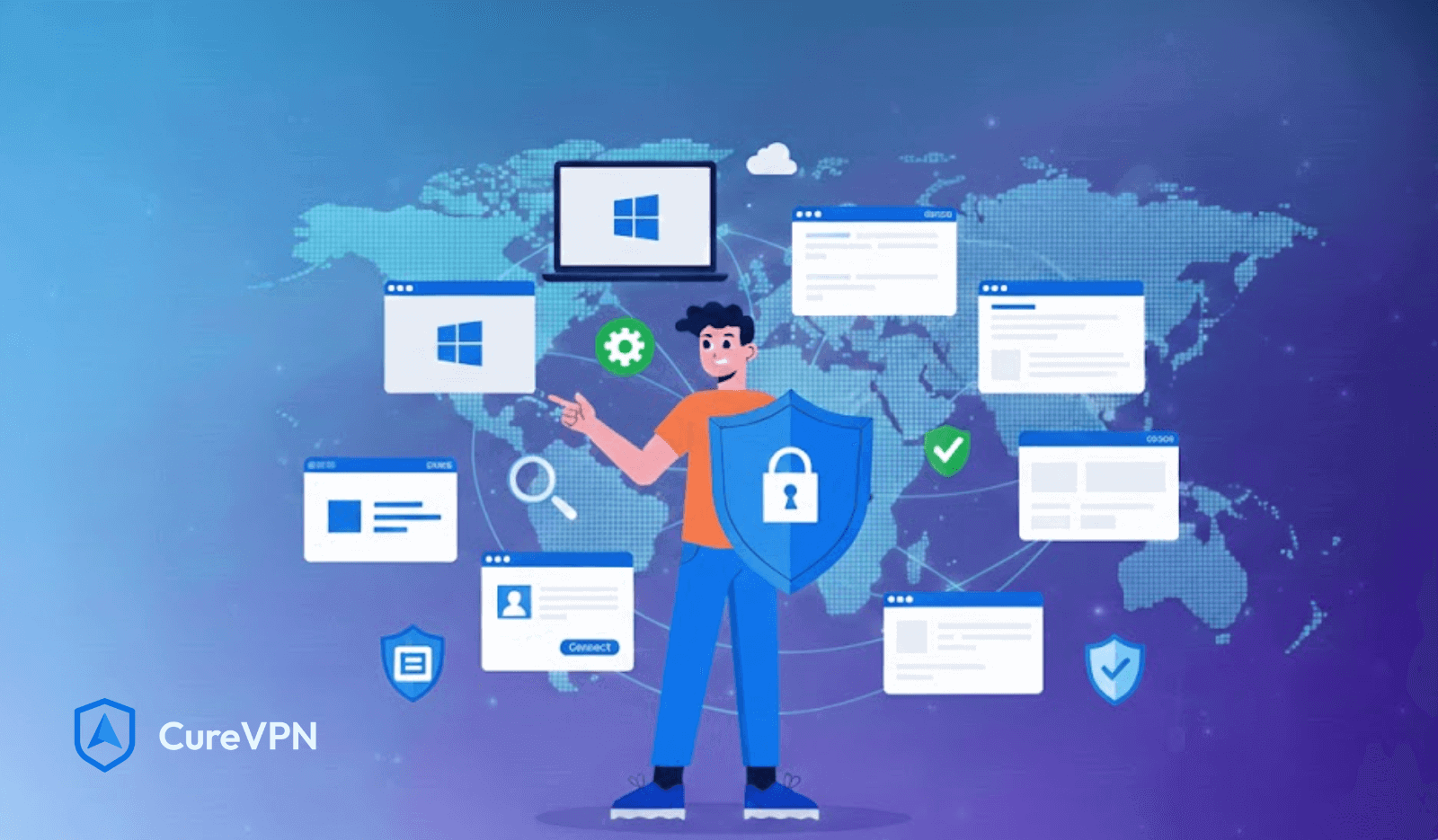
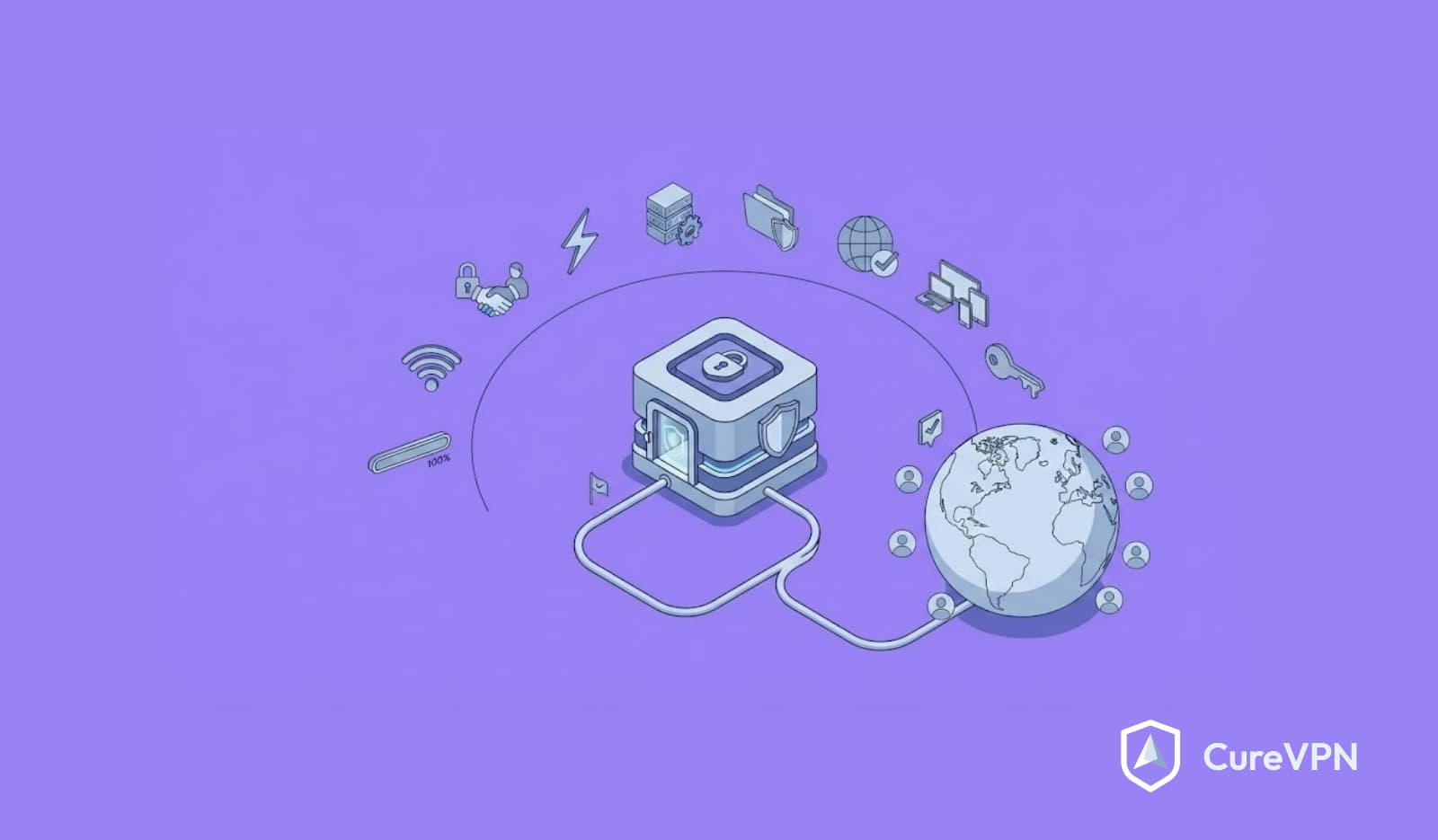
A VPN for work is a secure, encrypted connection that allows employees to access company networks, files, and applications remotely without exposing sensitive data to outside interception. Rather than transmitting information across the open internet, a work VPN routes traffic through an encrypted tunnel, effectively hiding your activity from hackers, ISPs, and anyone else lurking on the same network.
Think of it this way: connecting to your company’s internal systems without a VPN is like mailing a postcard — anyone handling it along the way can read the message. A VPN puts that postcard inside a sealed, tamper-proof envelope.
This applies whether you’re working from a coffee shop, a co-working space, or your home office. Public Wi-Fi networks are especially risky, and a secure VPN for work eliminates that vulnerability almost entirely.

Why Remote Teams Need a VPN for Work
i. Security Isn’t Optional Anymore
Cyberattacks targeting remote workers have climbed steadily since 2020, and the trend hasn’t reversed. Remote employees often connect through home routers with outdated firmware or public networks with zero encryption. A VPN for remote work closes that gap by encrypting every packet of data leaving the device.
ii. Compliance Requirements Are Tightening
Industries handling sensitive data — healthcare, finance, legal — face increasingly strict regulatory requirements around data protection. A VPN for business security isn’t just good practice; in many sectors, it’s becoming a compliance necessity.
iii. Productivity Depends on Reliable Access
Beyond security, a workplace VPN ensures employees can reliably reach internal tools, shared drives, and company software from anywhere. Without it, remote teams face constant friction just trying to do their jobs.
iv. Protecting Company Reputation
A single data breach can cost more than money — it costs client trust. Companies that invest in a corporate VPN solution signal to clients and partners that they take data protection seriously.
How a Work VPN Actually Works
Here’s the simplified version, step by step:
- Connection request — Your device attempts to connect to the VPN server before reaching the company network.
- Authentication — The VPN verifies your credentials, often through multi-factor authentication.
- Tunnel creation — An encrypted tunnel forms between your device and the VPN server.
- Data encryption — All traffic passing through this tunnel gets scrambled using protocols like WireGuard or OpenVPN.
- Network access — Once verified, you’re granted access to internal systems as if you were physically in the office.
This process happens in seconds, but it’s what stands between your company’s data and anyone trying to intercept it.
VPN for Work vs. Remote Desktop vs. Corporate VPN
People often confuse these three, so let’s clear it up.
| Feature | VPN for Work | Remote Desktop | Corporate VPN (Site-to-Site) |
|---|---|---|---|
| Purpose | Secure individual remote access | Control a remote computer directly | Connect entire office networks |
| Best for | Remote employees, freelancers | IT support, accessing a specific machine | Multi-location businesses |
| Encryption | Yes | Sometimes | Yes |
| Setup complexity | Low-moderate | Low | High (requires IT infrastructure) |
| Typical users | Individual employees | Support teams | Enterprise IT departments |
Understanding this distinction matters because choosing the wrong solution wastes both money and time. A freelancer doesn’t need site-to-site infrastructure, and a 500-person company can’t rely on individual VPN apps alone.
Types of VPN for Work
Remote Access VPN
The most common type. Individual employees connect to the company network from anywhere. This is what most people mean when they search for a VPN for accessing work network remotely.
Site-to-Site VPN
Connects entire office locations together, commonly used by businesses with multiple branches.
Personal VPN vs. Business VPN
A personal VPN protects individual browsing habits. A business VPN solution, meanwhile, is built for centralized management, multiple user accounts, and administrative control — features personal VPNs simply don’t offer.
Key Features to Look For in a VPN for Work
Not all VPNs are created equal, and choosing based on price alone often backfires. Here’s what actually matters:
- Strict no-log policy — Your provider shouldn’t store records of your browsing activity
- Modern encryption protocols — WireGuard offers faster speeds without compromising security
- Kill switch functionality — Cuts internet access if the VPN connection drops, preventing data leaks
- Multi-device support — Especially important for hybrid teams using laptops, phones, and tablets
- Reliable uptime — A VPN that disconnects frequently disrupts workflow
- Cross-platform compatibility — Support across Windows, Mac, Android, and iOS
- Split tunneling — Allows routing only work traffic through the VPN while personal browsing stays separate
- Transparent pricing — No hidden fees or confusing tiers
At Cure VPN, our approach centers on WireGuard-based encryption and a genuinely strict no-log policy — because trust matters more than marketing claims in this industry.
Best VPN for Work Across Platforms
Different devices come with different considerations.
VPN for work on Windows: Look for native app support and easy split tunneling configuration.
VPN for work on Mac: Compatibility with macOS security frameworks matters here.
VPN for work on Android and iPhone: Mobile employees need apps that maintain connection stability while switching between Wi-Fi and mobile data.
VPN for work laptop and desktop: Consistency across devices ensures employees don’t lose productivity switching environments.
Cure VPN supports cross-platform access, which matters increasingly as hybrid work blurs the line between “office device” and “personal device.”
Choosing a VPN by Business Size
VPN for Startups
Startups need affordability without sacrificing security. This is exactly where a cost-effective VPN service like Cure VPN becomes relevant — strong protection without the enterprise price tag.
VPN for Small Business Employees
Small teams benefit from simple, centralized management rather than complex enterprise infrastructure.
VPN for Distributed Teams
Companies with employees across multiple countries need consistent server performance and reliable connections regardless of location.
Enterprise VPN Solutions
Larger organizations often require dedicated IP addresses, advanced admin controls, and integration with existing IT systems.
How to Choose the Best VPN for Work
The best VPN for work is the one that meets your organization’s access requirements—not necessarily the service with the most server locations.
Start with a simple question: Do employees need private network access, protected internet traffic, or access to specific applications? Those requirements can lead to different solutions.
A consumer privacy VPN typically routes internet traffic through a provider’s server. However, it does not automatically connect employees to a company’s private network. A business VPN service must provide the infrastructure and access controls necessary for that connection.
Evaluate These 10 Requirements Before Buying
| Requirement | What to evaluate | Evidence to request |
|---|---|---|
| 1. Private resource access | Connectivity to the actual applications, networks, and environments employees use | An architecture diagram and a successful pilot |
| 2. Identity integration | Support for your identity provider and strong authentication | Documented SSO integration and MFA enforcement |
| 3. Access control | Permissions that restrict users to necessary resources | A demonstration of role-based policies |
| 4. Device security | Compatibility with managed-device requirements | Supported endpoint-management integrations |
| 5. Platform coverage | Features across your actual operating systems | A platform-specific feature matrix |
| 6. Regional performance | Latency, throughput, and reliability along relevant routes | Measurements from employee locations to work applications |
| 7. Operational resilience | Recovery from gateway outages and network changes | Failover documentation and pilot results |
| 8. Logging and privacy | What the service records, who can access it, and retention periods | Written logging and data-handling policies |
| 9. Security maintenance | Updates, vulnerability response, and product support | Published maintenance and disclosure processes |
| 10. Total cost | Licensing, infrastructure, administration, support, and migration | A written quote that includes relevant limitations |
Cure VPN’s perspective: Start with the workflow you need to protect. Then evaluate the technology against that workflow. A long feature list means little if employees cannot reliably reach their work applications.
Business VPN vs. Consumer VPN vs. ZTNA
These categories overlap, but they are not interchangeable. Individual product capabilities also vary.
| Approach | Typical purpose | Important limitation |
|---|---|---|
| Consumer VPN | Protect internet traffic between a device and the VPN provider’s gateway | Usually does not provide private company-network connectivity or centralized employee access management |
| Business remote-access VPN | Connect authorized employees to private company resources | Requires careful segmentation, identity controls, maintenance, and monitoring |
| Site-to-site VPN | Connect networks, such as office and cloud environments | Does not replace individual user authorization |
| Zero Trust Network Access | Grant policy-based access to particular applications or resources | Application compatibility and deployment requirements need evaluation |
According to NIST SP 800-207, zero trust does not grant implicit trust based solely on network location or device ownership. Consequently, connecting to a company VPN should never mean receiving unrestricted access.
Some organizations need a combination of technologies. Others can support their workflows through application-specific access without a traditional remote-access VPN.
VPN for Remote Employees: Check Every Platform
A product that supports Windows may not offer identical controls on macOS, Android, and iPhone. Therefore, test the features your workforce actually needs rather than relying on a list of supported operating systems.
| Platform | What to test before deployment |
|---|---|
| Windows work laptop | Installation through device management, authentication, DNS resolution, reconnect behavior, and approved network routes |
| Mac work laptop | System permissions, managed configuration, sleep-and-wake recovery, and compatibility with security software |
| Android work device | Work-profile behavior, supported always-on controls, and recovery when switching networks |
| iPhone or iPad | Managed VPN configuration, supported on-demand or per-app behavior, and mobile-network transitions |
| Work desktop | Stable authentication, application reachability, local-network access, and coexistence with endpoint tools |
| Router or branch gateway | Routing scope, update ownership, segmentation, and the consequences of gateway failure |
A VPN for work laptop use should also fit the organization’s device policy. Encryption cannot stop malware already running on an infected endpoint from accessing data available to that endpoint.
Likewise, a browser extension may protect only browser traffic. It should not be presented as a complete replacement for a device-level corporate VPN.
Test International Workflows, Not Just Server Locations
For distributed teams, geography matters—but the closest gateway is not always the best gateway. The full route from employee to gateway to application determines performance.
For example, a developer in São Paulo may connect to infrastructure in the United States. Meanwhile, an employee in Tokyo may depend on an application hosted in Europe. Test both routes using the actual applications.
Apply the same approach to teams in Canada, India, the UK, France, Germany, Spain, Portugal, the Netherlands, and Australia.
Before routing work traffic across borders, review company policies and applicable requirements with qualified advisers. A VPN changes traffic routing; it does not change where an employee physically works or automatically resolve data-transfer obligations.
Work VPN Not Working? Follow This Troubleshooting Framework
When a work VPN stops connecting, avoid changing several settings at once. Instead, identify the failing layer and preserve useful information for IT.
| Step | What to check | Safe next action |
|---|---|---|
| 1. Confirm basic connectivity | Whether the internet connection works before the VPN connects | Resolve the local connection problem first |
| 2. Check service status | Whether IT has reported maintenance or an outage | Follow the organization’s recovery instructions |
| 3. Review the exact error | Whether the problem involves authentication, certificates, DNS, or routing | Record the message and time without sharing credentials |
| 4. Verify authentication | Account status, MFA prompts, device time, and enrollment | Use approved recovery procedures |
| 5. Check the client | Whether the approved VPN app and configuration are current | Install updates through the authorized process |
| 6. Isolate application access | Whether all resources fail or only one application | Report the affected resource to IT |
| 7. Compare an approved network | Whether the issue occurs only on one connection | Test another authorized connection if policy allows |
| 8. Escalate with evidence | Device model, operating system, client version, error, and reproduction steps | Send the diagnostic details through the approved support channel |
For a slow VPN for work, compare latency, throughput, packet loss, and application response time. A speed test alone cannot explain every problem.
Similarly, if the VPN disconnects while working, note whether the drop follows sleep mode, a Wi-Fi change, or an authentication timeout. Those details help administrators distinguish client problems from gateway or policy issues.
Never disable certificate validation, endpoint protection, or required access controls to make a connection work.
Practical Security Insights: Three Deployment Examples
The following examples illustrate common design decisions. They are not Cure VPN customer case studies or measured product results.
Example 1: A Small Business Needs Access to an Internal File Server
A small accounting team uses cloud email but stores working documents on a private server.
In this situation, a remote access VPN solution may provide the necessary connection. However, employees should receive access only to the relevant server and folders—not the entire office network.
The company also needs managed devices, strong authentication, backups, and a clear process for removing access when someone leaves.
Example 2: A Software Company Uses Mostly SaaS Applications
A distributed software team works through hosted collaboration and development platforms. Most employees do not need broad private-network access.
Here, application-level identity controls and device policies may handle much of the requirement. Developers who access private infrastructure might still need a narrowly scoped VPN or another secure remote access solution.
The lesson is straightforward: different employee roles can require different access methods.
Example 3: A VPN Provider Is Building a Business Offering
A VPN service provider wants to move beyond personal privacy subscriptions.
Adding an admin dashboard is only part of the work. The service also needs reliable tenant separation, secure administrator roles, provisioning, revocation, support processes, and well-defined logging.
Furthermore, protocol support alone does not prove enterprise readiness. Providers should demonstrate how the complete system handles account compromise, gateway failure, and employee offboarding.
Expert Insights: What We’ve Learned Building Cure VPN
From our vantage point as a VPN provider, a few patterns show up again and again.
First, most security breaches involving remote workers don’t happen because of sophisticated hacking — they happen because someone connected to unsecured public Wi-Fi without a VPN active. Prevention here isn’t complicated. It’s just consistency.
Second, businesses frequently overpay for features they never use. Enterprise-grade VPN packages often include capabilities designed for thousand-person organizations, which smaller teams simply don’t need. This gap is exactly why demand for cost-effective VPN service options has grown steadily.
Third, employees abandon VPN usage when it slows down their work. If a VPN adds noticeable lag, people will disable it — defeating the entire purpose. That’s why protocol choice (like WireGuard over older OpenVPN configurations) matters more than most companies realize.
Statistics & Data
A few figures worth citing when discussing the importance of a secure VPN for work:
- According to IBM’s Cost of a Data Breach Report, breaches involving remote work environments have consistently cost companies more than those confined to on-site incidents, partly due to detection delays.
- Verizon’s Data Breach Investigations Report has repeatedly identified stolen credentials and unsecured connections as leading causes of corporate breaches.
- Cybersecurity Ventures has projected global cybercrime costs climbing into the trillions annually, with remote work environments identified as an expanding attack surface.
- Global Workplace Analytics has documented a sustained rise in remote and hybrid work arrangements since 2020, reinforcing the growing relevance of remote access security tools.
(Note: Please verify exact figures and publication years directly from these sources before publishing, as data updates annually.)
Common Mistakes When Using a VPN for Work
- Using free VPN services for sensitive work data — Many free providers monetize through data logging, defeating the purpose entirely
- Ignoring kill switch settings — Without one, a dropped connection exposes unencrypted traffic
- Sharing VPN credentials across a team — This eliminates accountability and increases breach risk
- Never updating the VPN app — Outdated software often contains unpatched vulnerabilities
- Assuming a VPN replaces all security measures — A VPN is one layer, not a complete cybersecurity strategy
- Choosing a provider based on price alone — Cheapest isn’t always safest, though overpaying isn’t necessary either
Best Practices for a Work VPN
- Enable the VPN before connecting to any public or unfamiliar Wi-Fi network
- Pair VPN usage with multi-factor authentication wherever possible
- Regularly update VPN client software
- Choose providers with independently verifiable no-log policies
- Train employees on why VPN usage matters, not just how to click “connect”
- Review VPN access logs periodically if you’re managing a team
How to Set Up a VPN for Work (Step-by-Step)
- Choose a provider that matches your security needs and budget
- Download the application for your specific device (Windows, Mac, Android, iOS)
- Create an account and complete authentication setup
- Select a server location if relevant to your work requirements
- Enable the kill switch in settings before first use
- Test the connection by verifying your IP address has changed
- Connect before accessing any work-related accounts or files
Troubleshooting Common Work VPN Problems
VPN not connecting to work network: Check firewall settings and confirm your credentials haven’t expired.
Work VPN not working after an update: Reinstall the latest client version, as outdated apps often lose compatibility.
VPN disconnects while working: This often points to unstable Wi-Fi rather than the VPN itself — try switching networks.
Slow VPN for work: Switching to a WireGuard-based server typically resolves speed issues tied to older protocols.
VPN blocking work apps: Some corporate firewalls conflict with VPN routing — contact IT to whitelist specific applications.
VPN for Work: Verified Data and Its Limits
Security statistics need a clear source, reporting period, and explanation. Otherwise, numbers can create an impression of certainty that the underlying research does not support.
The following historical 2025 findings come from IBM’s dated report announcement. They are not presented as the latest 2026 figures.
| Finding | Source and scope | Appropriate interpretation |
|---|---|---|
| US$4.44 million global average breach cost | IBM’s 2025 Cost of a Data Breach research | A study average, not an estimate of every company’s likely loss |
| 600 organizations in the research | IBM’s description of the global study | Findings come from participating organizations that experienced breaches |
| March 2024–February 2025 study period | IBM’s published methodology summary | The observation period predates the report’s publication |
Source: IBM,UK Sees Drop in Breach Costs as AI Speeds Detection,July 30, 2025. Retrieved September 22, 2026.
These figures do not measure how much a VPN reduces breach risk. They also do not justify comparing a subscription price directly with an average breach cost and calling the difference ROI. For a useful business case, evaluate access requirements, operational costs, incident exposure, and alternative controls together.
Frequently Asked Questions
Is a VPN necessary for remote work?
Yes, particularly when accessing company systems from public or home networks, since unencrypted connections expose data to potential interception.
What is a business VPN?
A business VPN is a VPN solution designed for organizational use, offering centralized management, multiple user accounts, and enhanced administrative controls compared to personal VPN apps.
Can I use a personal VPN for work from home?
Technically yes, but personal VPNs often lack the administrative oversight and compliance features that businesses require for sensitive data handling.
How does a VPN protect remote workers?
It encrypts data transmitted between the employee’s device and company servers, preventing hackers or third parties from intercepting sensitive information.
What’s the difference between a VPN and remote desktop software?
A VPN secures your connection to a network, while remote desktop software allows you to control another computer directly. They serve different purposes and aren’t interchangeable.
Do I need a VPN if my company already has security software?
Yes, since antivirus software protects your device from malware, while a VPN protects your data in transit — they address different vulnerabilities.
Why does my work VPN keep disconnecting?
Frequent disconnections typically stem from unstable internet connections, outdated VPN software, or server congestion.
What VPN protocol is best for work use?
WireGuard is increasingly preferred for its balance of speed and strong encryption, though OpenVPN remains a reliable alternative.
Can a VPN slow down my internet while working?
Some speed reduction is normal due to encryption overhead, though modern protocols like WireGuard minimize this significantly.
Is a free VPN safe for work purposes?
Generally, no — many free VPN providers monetize through data collection, which conflicts directly with the privacy remote workers need.
How do I choose the best VPN for my small business?
Prioritize no-log policies, strong encryption, multi-device support, and pricing that scales reasonably with your team size.
Does a VPN work on both Windows and Mac for business use?
Most reputable business VPN providers, including Cure VPN, offer cross-platform apps supporting Windows, Mac, Android, and iOS.
What happens if I don’t use a VPN while working remotely?
Your data transmission remains unencrypted, leaving sensitive company information vulnerable on unsecured networks, particularly public Wi-Fi.
Conclusion
Remote and hybrid work aren’t temporary trends — they’ve become permanent fixtures of how businesses operate. A VPN for work sits at the center of that shift, providing the encrypted, secure connection that protects both individual employees and entire organizations from increasingly sophisticated cyber threats.
Choosing the right solution doesn’t require overspending on enterprise features you’ll never use, nor does it mean settling for free tools that quietly monetize your data. It means finding a provider that balances genuine security with practical affordability.
That balance is exactly what we’ve built at Cure VPN — strict no-log protection, WireGuard-based encryption, and pricing designed for real businesses and remote teams, not just enterprise budgets.