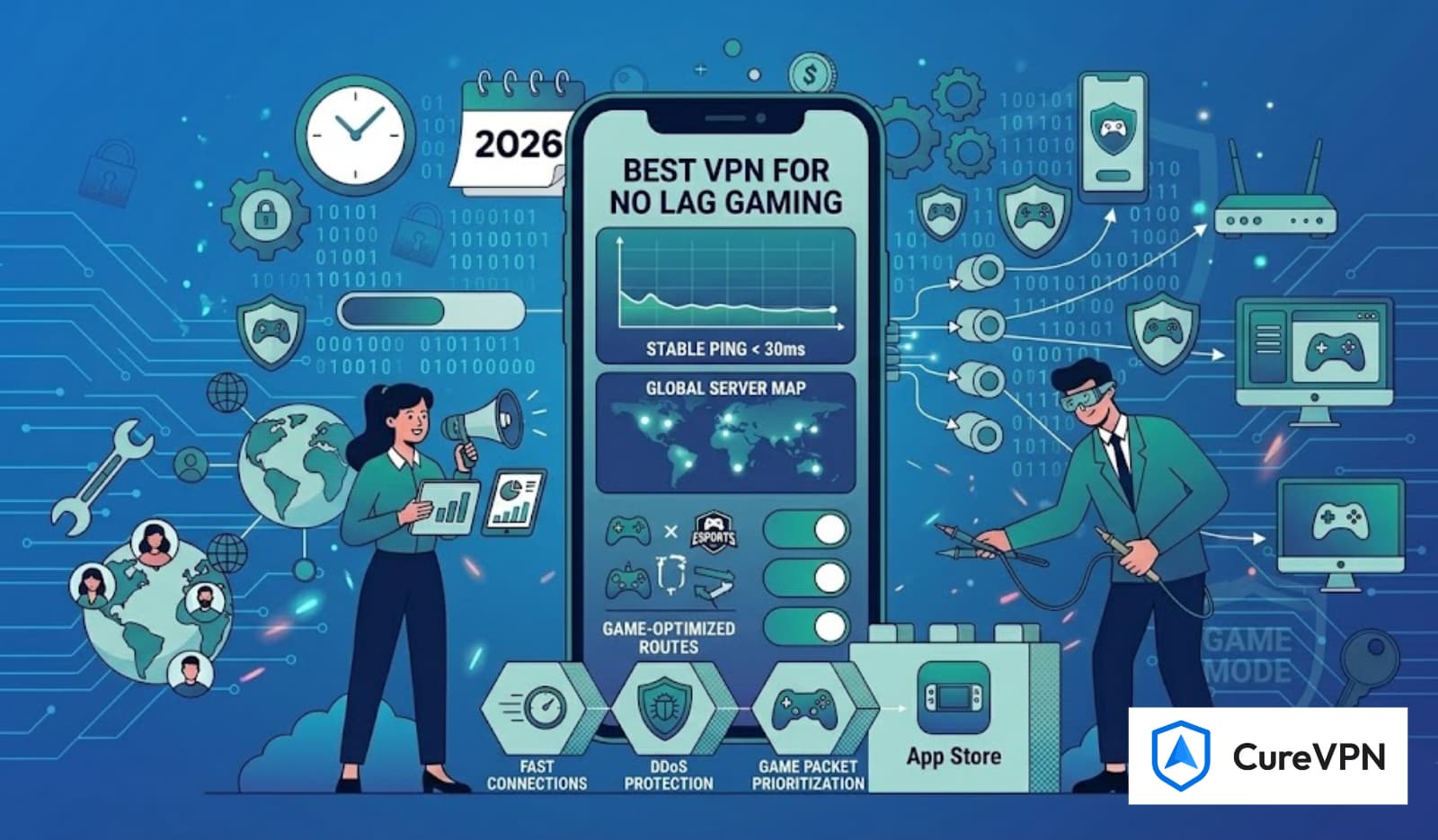

Finding the best free VPN for Call of Duty isn’t just about masking your location—it’s about achieving smoother gameplay, avoiding skill-based matchmaking (SBMM) frustrations, protecting your data, and keeping ping stable. But not all VPNs are built for high-speed gaming, and most free options come with major limitations.
This guide breaks down what you should realistically expect from free gaming VPNs, how to pick the right one, and why serious CoD players often switch to premium solutions for reliability.
Whether you play Modern Warfare II, Warzone, Black Ops, or older COD titles, this comprehensive breakdown will help you play smarter and safer.
Why Call of Duty Gamers Use a VPN
Gamers typically use a VPN for one or more of the following reasons:
- To reduce ping by connecting to faster or less congested servers
- To avoid strict SBMM and join easier lobbies
- To protect against DDoS attacks
- To avoid bandwidth throttling by ISPs
- To access early releases or region-locked content
Free VPNs can offer some of these benefits, but with caveats. That’s why evaluating the right features matters.
What to Look for in the Best Free VPN for Call of Duty
Before choosing a free VPN, ensure it supports:
1. Low Ping & Fast Speeds
Free VPNs often throttle bandwidth. Gaming requires fast, consistent speeds—especially shooters like Call of Duty.
2. Stable, Nearby Servers
More servers = lower congestion.
Free VPNs offer fewer server options, which may impact gameplay.
3. Strong Privacy & No-Logs Policy
CoD players use VPNs to avoid DDoS attacks and data leaks. Make sure the VPN provider clearly states its privacy policy.
4. No Data Limits
Many free VPNs cap usage—making gaming nearly impossible after a few matches.
5. Gaming-Friendly Optimization
This includes:
- Smart routing
- WireGuard or similar modern protocols
- Anti-throttling
Best Free VPNs for Call of Duty (with Realistic Expectations)
Note: These options are suitable for testing or casual gameplay. Serious gamers aiming for lag-free CoD sessions generally move to affordable premium VPNs.
1. Lobby VPN (Free Trial)
Pros:
- No data cap
- Strong encryption
- Trustworthy privacy policy
Cons:
- Limited servers
- Not optimized for gaming
- Peak-time slowdown
Good for casual players who only want basic privacy without paying.
2. Windscribe (Free Plan)
Pros:
- Up to 10GB monthly
- Good privacy reputation
Cons:
- Data limit not ideal for gaming
- Server access is restricted on the free plan
Suitable for occasional multiplayer matches.
3. TunnelBear (Free Plan)
Pros:
- User-friendly
- Decent speeds at times
Cons:
- Extremely low 2GB data limit
- Not designed for competitive gaming
Useful for testing a VPN but not for long sessions.
Why Premium VPNs Work Better for Call of Duty
If your goal is consistent low ping, smoother matchmaking, and stable gameplay, premium VPNs outperform free options for several reasons:
- Zero throttling
- Large server networks
- Priority bandwidth
- Gaming-optimized routing
- DDoS protection
- Better chance of accessing easier lobbies
This is why top-tier players often rely on paid solutions—including those who also need the best VPN service for work, streaming, and daily privacy.
Best VPN for Call of Duty if You Upgrade Later
If you decide to move beyond free options, consider VPNs that offer:
- High-speed servers for gaming
- Region-specific routing (great for easy lobbies)
- Unlimited bandwidth
- A no-logs policy
- DDoS protection
- Custom DNS for lower latency
VPNs that offer white label VPN service or advanced network control (e.g., split tunneling, custom server lists) tend to deliver the most stable COD experience.
How to Choose the Best Free VPN for Your Call of Duty Setup
Ask yourself:
- Do you play competitively?
- Are you trying to access easier lobbies?
- Do you need a stable ping?
- Are you trying to avoid ISP throttling?
If your priority is just privacy, a free VPN works.
If it’s performance, you will eventually need a premium one—especially if you use RDP or rely on tools like the Best VPN for Remote Desktop for work.
How to Set Up a Free VPN for Call of Duty (Step-by-Step)
- Install your chosen free VPN
- Select the server closest to your real location
- Enable a modern protocol (WireGuard or OpenVPN UDP)
- Launch Call of Duty
- Test several servers to check ping consistency
- Avoid routing through high-traffic regions
Pro tip: Restart your game after switching VPN servers to refresh matchmaking.
Final Verdict: Which Free VPN is Best for Call of Duty?
If you need the best free VPN for Call of Duty, ProtonVPN’s free plan is the most practical—mainly because it has no data limit and strong privacy standards.
Windscribe works well for lighter gaming, while TunnelBear is more for testing purposes.
But if your goal is:
- Easier lobbies
- Lower ping
- More stable matchmaking
- Zero lag spikes
Then, a premium gaming-optimized VPN is the realistic long-term solution.