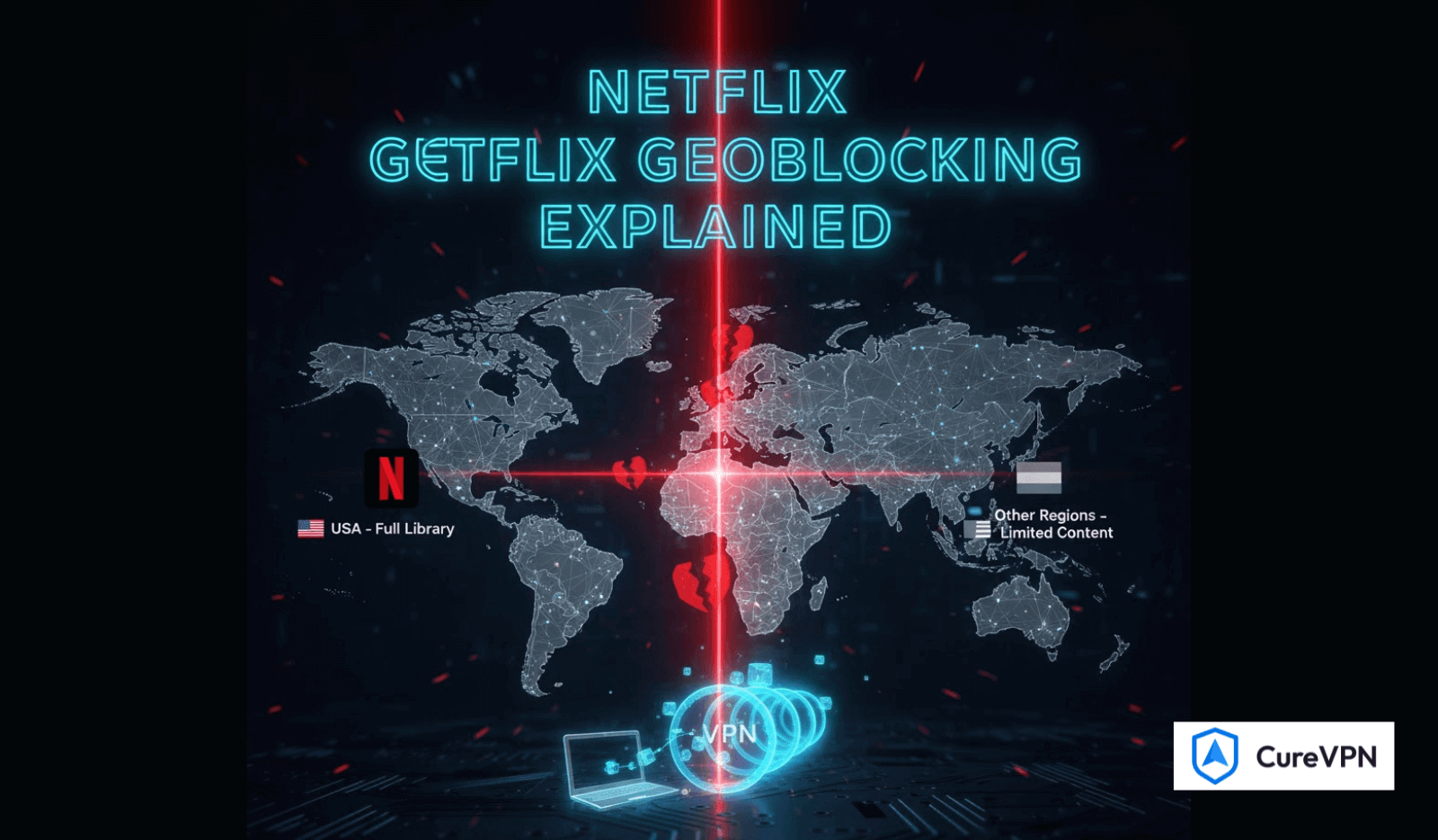

Netflix geoblocking is the reason your favorite show appears in one country but disappears in another. These regional restrictions aren’t technical errors—they’re licensing boundaries enforced at the IP level.
In 2025, Netflix uses advanced proxy detection, IP reputation scoring, and DNS filtering to control access. That means outdated tricks no longer work. To bypass Netflix geoblocking reliably, you need tools designed specifically for modern streaming defenses.
This guide explains how Netflix geoblocking works, the most effective ways to bypass it, and how to do so without sacrificing speed, privacy, or account safety.
What Is Netflix Geoblocking?
Netflix geoblocking is a content restriction system that limits what you can watch based on your physical location. When you connect to Netflix, your IP address reveals your country, and Netflix serves a region-specific library.
That’s why:
- A show available in Japan may be missing in the US
- European libraries differ widely by country
- Travelers suddenly lose access abroad
Netflix enforces this through:
- IP location databases
- DNS-based filtering
- VPN and proxy detection systems
Best Ways to Bypass Netflix Geoblocking in 2025
1. Use a Streaming-Optimized VPN (Most Reliable)
A high-quality VPN replaces your IP address with one from another country, making Netflix believe you’re accessing from that region.
Why VPNs Still Work Best
- Encrypt traffic and hide location data
- Offer country-specific streaming servers
- Work across apps, browsers, TVs, and consoles
Why Cure VPN Is Effective for Netflix
- Streaming-optimized servers with regular IP rotation
- Strong encryption without speed loss
- Works across smart TVs, Firestick, routers, and mobile devices
- No-log policy that protects viewing privacy
This makes Cure VPN suitable not only for Netflix, but also as The Best VPN Solution for Your Home Network when configured at router level.
2. Smart DNS (Fast but Limited)
Smart DNS reroutes only location-related data, not your entire connection.
Pros
- Faster than VPNs
- Ideal for devices that don’t support VPN apps
Cons
- No encryption
- Doesn’t protect privacy
- Less reliable against Netflix updates
Best used when speed matters more than security.
3. Proxy Servers (Not Recommended Long-Term)
Proxies can mask your IP, but Netflix blocks them aggressively.
Drawbacks
- High detection rate
- Unstable streaming
- No encryption
Suitable only for short-term testing—not consistent access.
4. Browser-Based VPN Extensions
Extensions work inside browsers like Chrome or Edge.
They’re helpful for users searching for Best VPNs for Chrome, but:
- They don’t protect other apps
- Often use limited IP pools
- Are less effective against Netflix detection
Good for casual use—not binge streaming.
5. Router-Level VPN Setup (Whole-Home Access)
Installing Cure VPN on your router means:
- Every device inherits VPN protection
- Smart TVs, consoles, Firestick work automatically
- No repeated app installations
This setup is ideal for families, shared homes, or users searching for Best VPN for Remote Desktop and streaming combined.
Step-by-Step: How to Bypass Netflix Geoblocking with Cure VPN
Step 1: Create a Cure VPN Account
Sign up using a secure email and choose a plan that supports unlimited bandwidth.
Step 2: Install the App
Available for Windows, macOS, Linux, Android, iOS, Firestick, and routers.
This also makes Cure VPN relevant for users seeking the best free VPNs for Firestick alternatives that actually work.
Step 3: Connect to a Country Server
Choose the country whose Netflix library you want to access.
Step 4: Open Netflix
Refresh Netflix and search again—the regional library updates instantly.
Step 5: Optimize Settings
- Enable Kill Switch
- Use WireGuard for speed
- Activate split tunneling if needed
Is Bypassing Netflix Geoblocking Legal?
Using a VPN is legal in most countries. However, bypassing Netflix geoblocking violates Netflix’s terms of service, not criminal law.
Possible outcomes:
- Temporary streaming block
- Request to disable VPN
There are no legal penalties in most regions for personal use, but laws vary by country.
Tips to Stay Safe While Unblocking Netflix
- Avoid free VPNs with unknown logging policies
- Use leak protection to prevent DNS/IP exposure
- Keep apps and firmware updated
- Monitor Netflix login activity
- Choose stable regions when looking for a cheap Netflix country
For mobile users, Cure VPN also works as one of the more stable options comparable to Best Free VPNs for iPhone, without the risks of free tools.
Final Verdict
Netflix geoblocking is more aggressive than ever—but not unbeatable.
With the right strategy, tools, and configuration, you can safely access global Netflix libraries without buffering, privacy risks, or account instability.
Whether you’re traveling, relocating, or simply want more content, Cure VPN provides a practical, secure, and future-proof solution for modern Netflix streaming.
FAQs
Does every VPN work with Netflix?
No. Netflix blocks most generic and free VPNs.
Will a VPN slow down Netflix?
Not with optimized servers and nearby locations.
Can I use Netflix abroad with the same account?
Yes—VPNs simply change how Netflix detects your location.