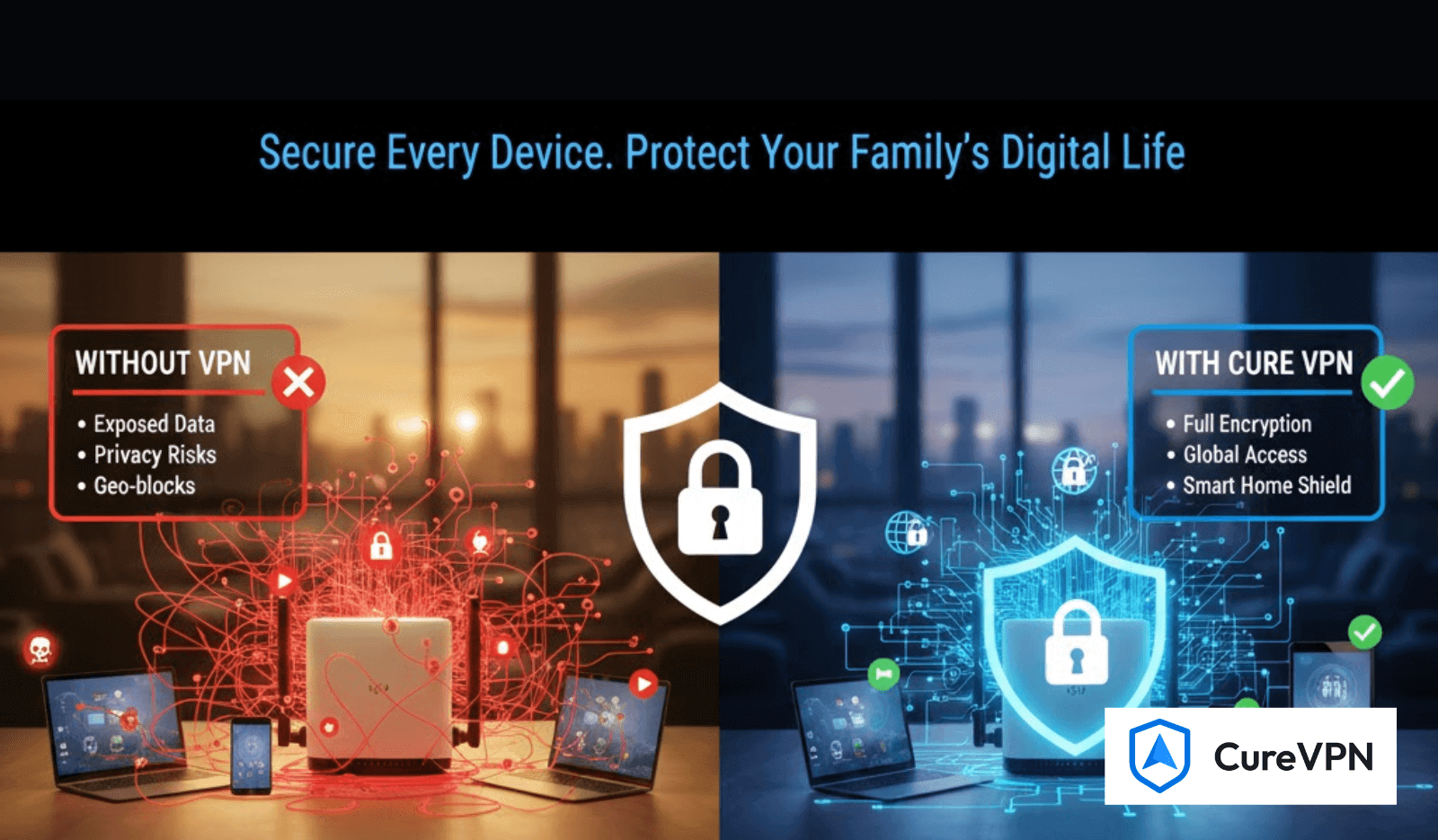

Today’s home network has quietly turned into a mini–IT ecosystem. Smart TVs, security cameras, laptops, mobile devices, gaming consoles, thermostats, doorbells… everything is online. And while this digital comfort feels seamless, it also creates silent exposure—because every one of those connected devices is a potential entry point.
This is where choosing the best VPN solution for your home network becomes more than a convenience—it becomes a fundamental layer of protection.
A properly configured home VPN doesn’t just hide your IP address. It secures your WiFi, protects your IoT devices, enables safe remote access, improves online privacy, and often enhances your overall network performance. If you’ve ever wondered how to lock down your family’s digital life without becoming a cybersecurity expert, this guide walks you through it clearly.
Why Your Home Network Needs a VPN More Than Ever
You don’t need to be a tech specialist to understand the risks. Modern cybersecurity research consistently highlights these realities:
1. Home WiFi Is a Target
Most home networks rely on basic router security.
Hackers know this.
While WPA2 or WPA3 encryption is standard practice, it cannot protect you from ISP tracking, intrusive ads, online profiling, or exposed smart devices.
2. Smart Homes = Larger Attack Surface
Every IoT device—whether a smart bulb or a baby monitor—expands your vulnerability.
A VPN can help shield these devices by tunneling traffic securely, minimizing exposure.
3. Remote Work Normalized New Threats
More households now rely on:
- Remote desktops
- Cloud-based tools
- Remote file access
This makes securing home–office communication essential. Many users also look for free VPNs for remote desktop as a starting point—but free tools often lack encryption standards, device limits, or long-term reliability.
4. Privacy Is a Basic Requirement Now
With ISPs tracking browsing patterns and advertisers profiling behavioral data, a home VPN has become a practical way to regain control over your digital footprint.
Key Features Every Home VPN Must Have
A good home network VPN isn’t necessarily the most expensive one—it’s the one built with the right fundamentals.
✔ Strong Protocol Options
These are industry-accepted secure choices:
- WireGuard
- OpenVPN
- IKEv2
Each is well-documented and widely used in cybersecurity.
✔ Router-Level Support
A proper home VPN should run on:
- WiFi routers
- Mesh network systems
- Home gateways
This secures the entire network at once—no need to install the VPN app on every device.
✔ Multi-Device Compatibility
Your VPN must support:
- iOS & Android
- Windows & macOS
- Smart TVs
- Streaming devices
- Gaming consoles
- Firestick (especially for users searching for Best Free VPNs for Firestick)
✔ Transparent Logging & Privacy Practices
A reliable VPN clearly states what it collects—or doesn’t collect.
✔ Easy Setup
Most home users need a VPN that doesn’t require great technical skills.
Types of VPN Solutions for Home Networks
Choosing the best VPN depends on your needs. Here are the practical options.
1. Commercial Home VPN (Most Common & Easiest)
A commercial VPN is the simplest setup. Install the app, connect, and your traffic is encrypted instantly.
Best For:
- Families
- Streaming
- Gaming
- Multi-device homes
- Users needing global servers, safe browsing, or region switching
Commercial VPNs also offer things like:
- Dedicated apps for Chrome (helpful for those searching for the Best VPNs for Chrome)
- Smart routing for streaming
- Automatic kill switches
This is the most user-friendly approach for non-technical households.
2. Router-Level VPN (Full-Home Coverage)
Setting up a VPN on your router protects:
- Smart TVs
- IoT devices
- Consoles
- Firestick
- Devices without native VPN apps
It’s full-home coverage—but requires router compatibility and a bit of tech confidence.
3. Self-Hosted VPN (Advanced Users)
Some users prefer full ownership.
Self-hosting on:
- a VPS,
- a home server, or
- a Raspberry Pi
gives you total control, though it requires ongoing maintenance.
This is ideal if you want private remote access to your home network, such as connecting securely to your home NAS or files when traveling.
How to Choose the Best VPN Solution for Your Home Network
Instead of searching endlessly, focus on these core criteria:
● Security Protocol Quality
WireGuard and OpenVPN are widely respected and used across cybersecurity systems.
● Compatibility With Your Router
Some routers allow direct VPN integration; some require firmware like OpenWRT.
● Device and Household Size
Larger households with many devices need robust multi-device coverage.
● Performance & Stability
Choose services known for stable speeds and solid server infrastructure.
● Streaming & Gaming Needs
Gamers and streamers need VPNs optimized to avoid lag and throttling.
● Pricing Flexibility
Premium tools often include free trials or tiers. Some users start with the best free VPN service before upgrading.
Recommended Home VPN Setups (Based on Real Use Cases)
1. For Families With Many Devices
A commercial VPN with:
- 10–Unlimited devices
- Router support
- Secure DNS
- Auto-connect on unsafe WiFi
2. For Smart Homes (IoT-Heavy Households)
Router-based VPN solution
+
Optional app-based VPN for phones & laptops
3. For Gamers & Streamers
Choose a VPN with:
- Low latency
- Optimized server routes
- Stable speeds
- Access to global regions
- No aggressive throttling
4. For Remote Workers
Look for:
- Secure protocols
- Dedicated IP options
- Stable tunneling
- Remote-access features
5. For Power Users
Self-hosted VPN for full network control + a commercial VPN for everyday browsing.
Pros & Cons Comparison Table
| Type | Pros | Cons |
|---|---|---|
| Commercial VPN | Easiest setup, fast, streaming-friendly | Subscription cost |
| Router VPN | Requires a compatible router | Set up & maintenance required |
| Self-hosted VPN | Full control, no recurring costs | Setup & maintenance required |
Step-by-Step Guide to Securing Your Home Network with a VPN
1. Choose a VPN type (router, commercial, or self-hosted)
Match your home’s needs and technical capability.
2. Install or configure on your router (if applicable)
Most major VPNs provide router configuration guides.
3. Install apps across devices
Smartphones, desktops, tablets, and browsers.
4. Configure advanced settings
- Kill switch
- Auto-connect
- DNS leak protection
- Split tunneling
5. Test your connection
Use IP and DNS leak test tools (commonly recommended in cybersecurity).
FAQs
Do I need a VPN for smart home devices?
Yes. Many IoT devices don’t have strong built-in security. A VPN helps minimize exposure.
Is a free VPN enough for home security?
Free VPNs are typically limited in bandwidth, speed, and device limits. A premium tool is more reliable for whole-home coverage.
Can I use a VPN for home remote access?
Yes. Many users use VPN tunnels to access files or devices securely while traveling.
Final Verdict: What’s the Best VPN Solution for Home Networks?
The best VPN solution for your home network depends on your lifestyle:
- For simplicity → choose a commercial VPN
- For full-home protection → install at the router level
- For privacy control → host your own VPN
- For mixed households → combine commercial + router setup
A home VPN is no longer optional. It’s a natural layer of protection—just like locking your front door. It keeps your data safe, your home network clean, and your online world private.
As a bonus, many providers run seasonal promotions such as Best Holiday VPN Deals, making it easier to secure your home network affordably.
No matter which method you choose, securing your WiFi with a VPN is one of the smartest digital decisions you can make today.