
The internet no longer feels neutral. Every click leaves a trace. Every search creates a data point. Over the past few years, large-scale data breaches, ISP-level tracking, and quiet surveillance have shifted online security from a niche concern to a daily reality.
Telecom providers log browsing metadata. Advertising networks build behavioral profiles. Public Wi-Fi networks expose devices to interception. Even home connections are not as private as most users assume. The question many people ask now is not “Am I important enough to be targeted?” but “Is someone spying on my phone without me knowing?”
Traditional antivirus tools were designed for a different era. They protect files after damage attempts occur. Modern threats operate upstream, at the network layer, long before malware appears. Traffic inspection, DNS manipulation, and session hijacking happen invisibly.
This gap is where a VPN for security earns its place. Rather than reacting to threats, it changes how data moves across the internet. Encryption, identity masking, and secure routing form a baseline defense that antivirus software alone cannot offer.
A VPN does not replace good security habits. It creates a private lane inside a public network. That foundation has become essential rather than optional.
What Does “VPN for Security” Actually Mean?
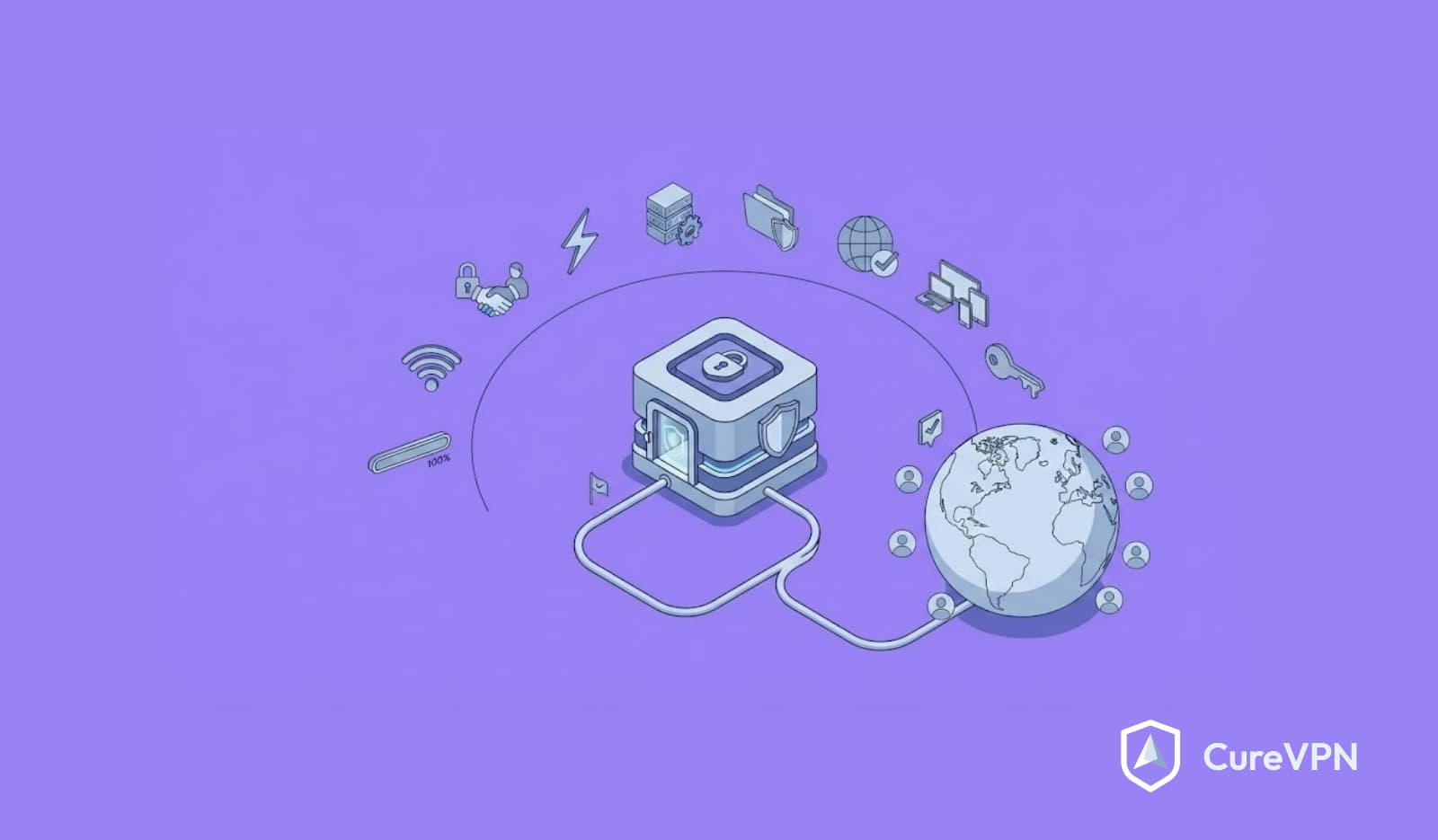
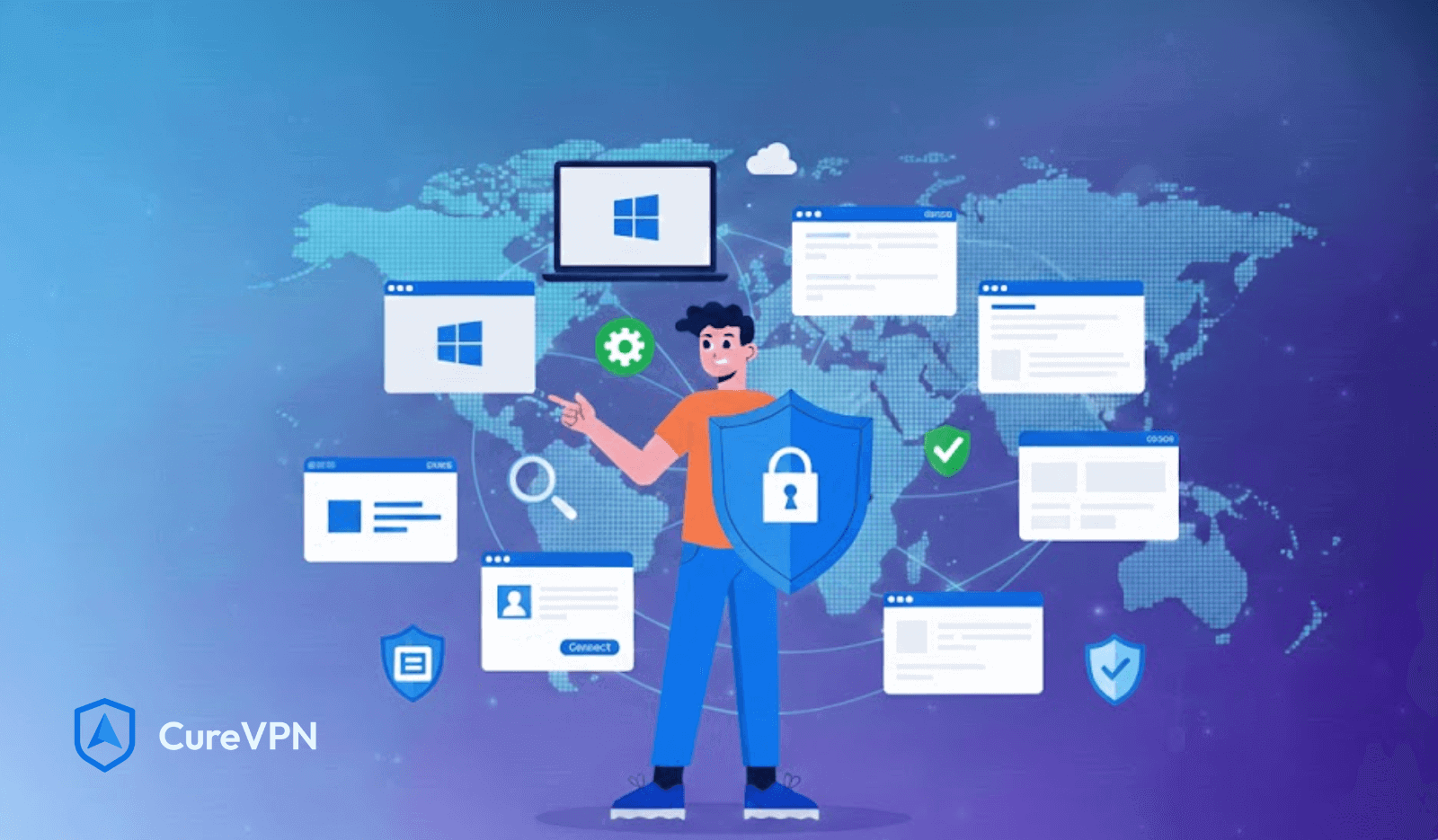
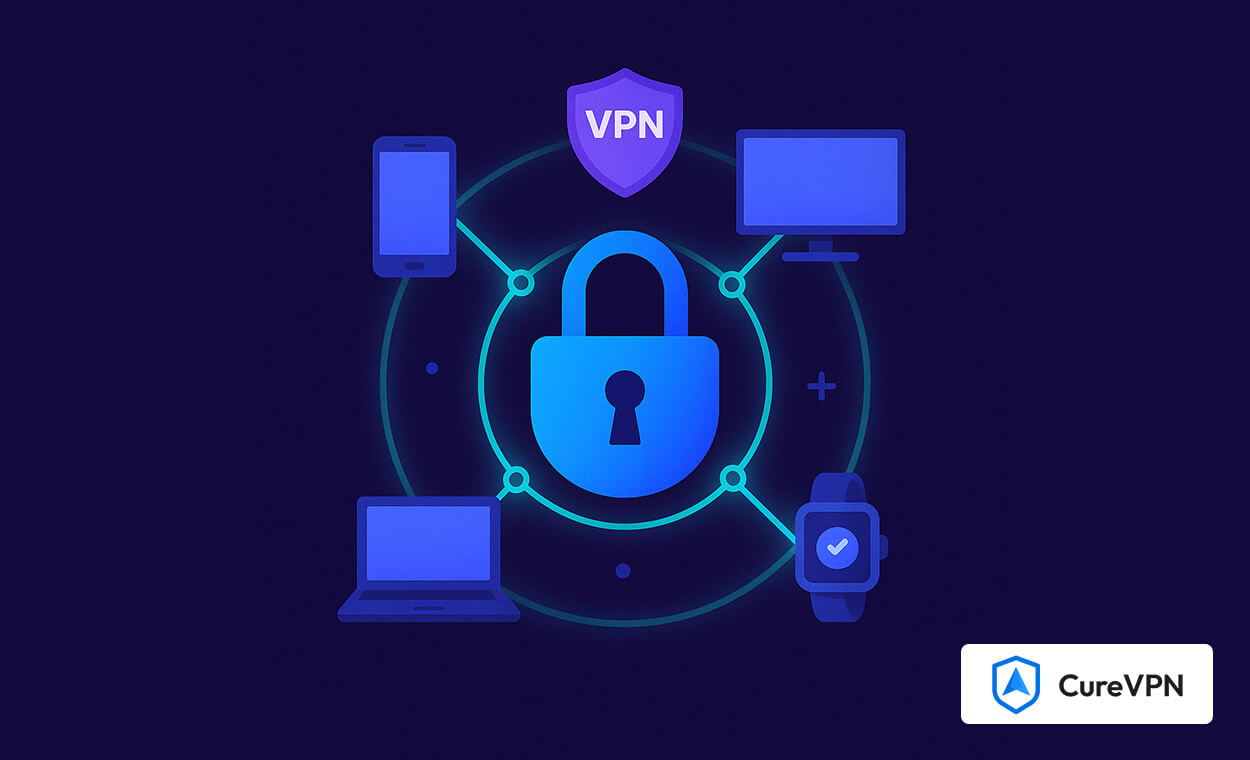
A VPN is often misunderstood as a tool for location switching. That description misses its real value. At its core, a VPN creates an encrypted tunnel between your device and a secure server. All internet traffic travels through that tunnel before reaching the wider web. Outsiders see encrypted packets without readable content or destination details.
From a plain-English perspective, think of DNS requests, browsing data, and app traffic as postcards. Without protection, anyone along the delivery route can read them. A VPN for security seals those postcards inside opaque envelopes. At the network level, encryption uses protocols like AES-256 combined with tunneling standards such as OpenVPN or WireGuard. These protocols authenticate endpoints, encrypt payloads, and verify integrity during transit.
Privacy, anonymity, and security often get grouped together, yet they serve different purposes:
- Privacy controls who can see your data.
- Security protects data from interception or manipulation.
- Anonymity obscures identity beyond normal usage patterns.
A VPN for security focuses primarily on the first two. It reduces exposure without promising total invisibility. That distinction matters when evaluating realistic protection.
How a VPN for Security Protects Your Data?
Every online action involves data moving between devices and servers. That movement creates risk. Encryption during transit ensures readable information never leaves your device. Even if traffic gets intercepted, it remains unintelligible. Strong VPN services rely on modern cipher suites rather than outdated algorithms.
IP masking adds another layer. Websites, trackers, and malicious actors normally see a device’s real IP address. A VPN replaces that identifier with a shared server address. Identity becomes abstracted. Secure tunneling protocols handle traffic encapsulation. OpenVPN remains a trusted standard due to maturity and audit history. WireGuard offers leaner code and improved performance. Both prevent packet sniffing and session hijacking.
Man-in-the-middle attacks thrive on unsecured connections. Attackers position themselves between the user and the destination, altering data silently. A VPN for security disrupts that tactic by validating endpoints and encrypting exchanges. Protection does not rely on a single mechanism. It works because multiple layers reinforce each other.
VPN for Security on Public and Untrusted Networks
Airports, cafes, hotels, and coworking spaces share one thing. Convenience outweighs security. Public Wi-Fi networks often lack encryption. Anyone connected can monitor traffic with basic tools. Attackers frequently deploy fake access points that mimic legitimate networks. Devices connect automatically without warning.
Unencrypted DNS queries reveal visited domains. Session cookies leak identity. Login credentials travel in clear text when sites misconfigure HTTPS. A VPN for security closes that exposure window. Encryption activates before any app sends traffic. Even compromised networks cannot read payloads or destinations.
Outside the home, a VPN shifts from optional to critical. Mobile users switching networks throughout the day face constant risk. Each transition creates new attack surfaces. Using a VPN on untrusted networks prevents silent data harvesting and reduces long-term profiling.
VPN vs Other Security Tools (Firewall, Antivirus, DNS)
Security works best as a layered system. Each tool serves a distinct role. Firewalls control inbound and outbound connections. Antivirus tools detect malicious files after arrival. DNS filters block known bad domains.
A VPN does something different. It protects traffic before threats appear. Encryption shields communication rather than scanning content. VPNs do not replace antivirus software. Malware can still execute locally. Phishing attacks remain effective against careless clicks. DNS security alone also falls short. Encrypted DNS helps hide queries, yet it does not protect full traffic streams or IP addresses.
A balanced setup uses a VPN for security alongside firewalls, endpoint protection, and safe browsing practices. This combination reduces attack probability across multiple vectors.
VPN for Security in Everyday Use Cases
Remote work and freelancers
Remote workers rely on cloud tools and shared networks. Client data, credentials, and internal dashboards move across unknown routes. A VPN for security ensures sensitive communications stay encrypted regardless of location.
Online banking and financial transactions
Financial apps rely on trust. Intercepted sessions create a massive risk. VPN encryption protects transaction data from inspection, especially on mobile connections.
Streaming and browsing without tracking
Streaming platforms and content sites monitor behavior aggressively. A VPN limits tracking scope and prevents ISP-level profiling. Users seeking vpn for Tubi often discover improved access stability alongside privacy benefits.
Gamers and ISP throttling risks
Gamers experience inconsistent latency during peak hours. ISPs sometimes throttle traffic based on usage patterns. VPN routing can stabilize paths and reduce artificial slowdowns.
Families and shared home networks
Multiple devices amplify exposure. Smart TVs, tablets, and consoles communicate constantly. VPN solutions for home usage protect every connected device from passive monitoring.
Key Features to Look for in a VPN for Security
Choosing a VPN requires more than speed claims.
- Encryption standards matter. AES-256 remains the gold standard. AES-128 offers speed with adequate protection for low-risk scenarios.
- No-logs policies must be verifiable. Transparency reports and independent audits build trust. Jurisdiction also affects data obligations.
- Kill switches prevent traffic leaks if connections drop. Leak protection ensures DNS and IPv6 traffic remain inside tunnels.
- Secure DNS handling avoids third-party query exposure. Some VPNs operate private resolvers.
- Regular security audits demonstrate accountability. Services that submit infrastructure for review signal confidence.
Router-level deployment also deserves attention. A VPN on router configuration protects every device automatically. Comparing VPN for home vs. VPN on router setups helps users choose based on technical comfort.
Common Myths About VPN for Security
“VPNs slow down the internet” remains the most common fear. Modern protocols reduce overhead significantly. Well-optimized servers often outperform congested ISP routes. “VPNs are only for illegal activity” reflects outdated narratives. Enterprises, journalists, and families use VPNs daily.
“Free VPN service is good enough” sounds tempting. Free providers often monetize through logging, ads, or data resale. Security requires sustainable infrastructure. Reality differs from marketing. VPN quality depends on architecture, transparency, and operational discipline.
Limitations of Using a VPN for Security
No tool offers absolute protection. VPNs cannot prevent phishing if users submit credentials willingly. Malware infections still occur through downloads and exploits. Behavior matters. Clicking unknown links or installing unverified apps bypasses network protections.
Layered security remains essential. VPNs strengthen defenses but do not replace caution or education. Understanding limits prevents false confidence.
How Businesses Use VPNs for Security
Enterprises face different challenges. Remote teams access internal tools across geographies. VPN gateways restrict entry points and authenticate devices. Sensitive data travels between departments and partners. Encryption protects intellectual property. Zero-trust networking principles rely on continuous verification. VPNs form part of that foundation.
White label VPN for business solutions allows organizations to deploy branded infrastructure without building stacks from scratch. Multi-tenant architectures support scalability while maintaining separation. VPNs integrate into broader enterprise security strategies rather than acting alone.
Is a VPN for Security Worth It in 2026?
Costs remain low compared to risk exposure. A single data breach far outweighs subscription fees. Immediate adoption suits remote workers, travelers, gamers, and families. Long-term benefits apply to anyone generating digital footprints. Threats continue evolving. Passive surveillance grows quietly. VPN for security adoption reflects proactive thinking rather than paranoia.
Final Recommendation: Building a Safer Internet Habit
Security habits shape outcomes. Password hygiene, software updates, and awareness matter. Adding a VPN for security strengthens those habits at the network level. Choosing the right provider requires transparency, audits, and technical clarity. Router-based setups extend protection across households. Browser extensions such as the Best VPNs for Chrome offer lightweight coverage for daily browsing.
Cure VPN follows a philosophy grounded in stability, encryption, integrity, and user trust. Experience-driven design focuses on quiet protection rather than flashy promises. That approach aligns with long-term security thinking. Online safety works best when protection feels invisible but reliable.
Optional Add-Ons for Higher SERP Performance
FAQ Schema
Can VPN stop hackers?
A VPN reduces attack surfaces by encrypting traffic, yet safe behavior remains necessary.
Is a VPN secure?
Security depends on encryption standards, logging policies, and infrastructure integrity.
Comparison Table: VPN vs No VPN
| Feature | With VPN | Without VPN |
|---|---|---|
| Traffic encryption | Yes | No |
| IP masking | Yes | No |
| Public Wi-Fi safety | High | Low |
| ISP tracking | Limited | Full |