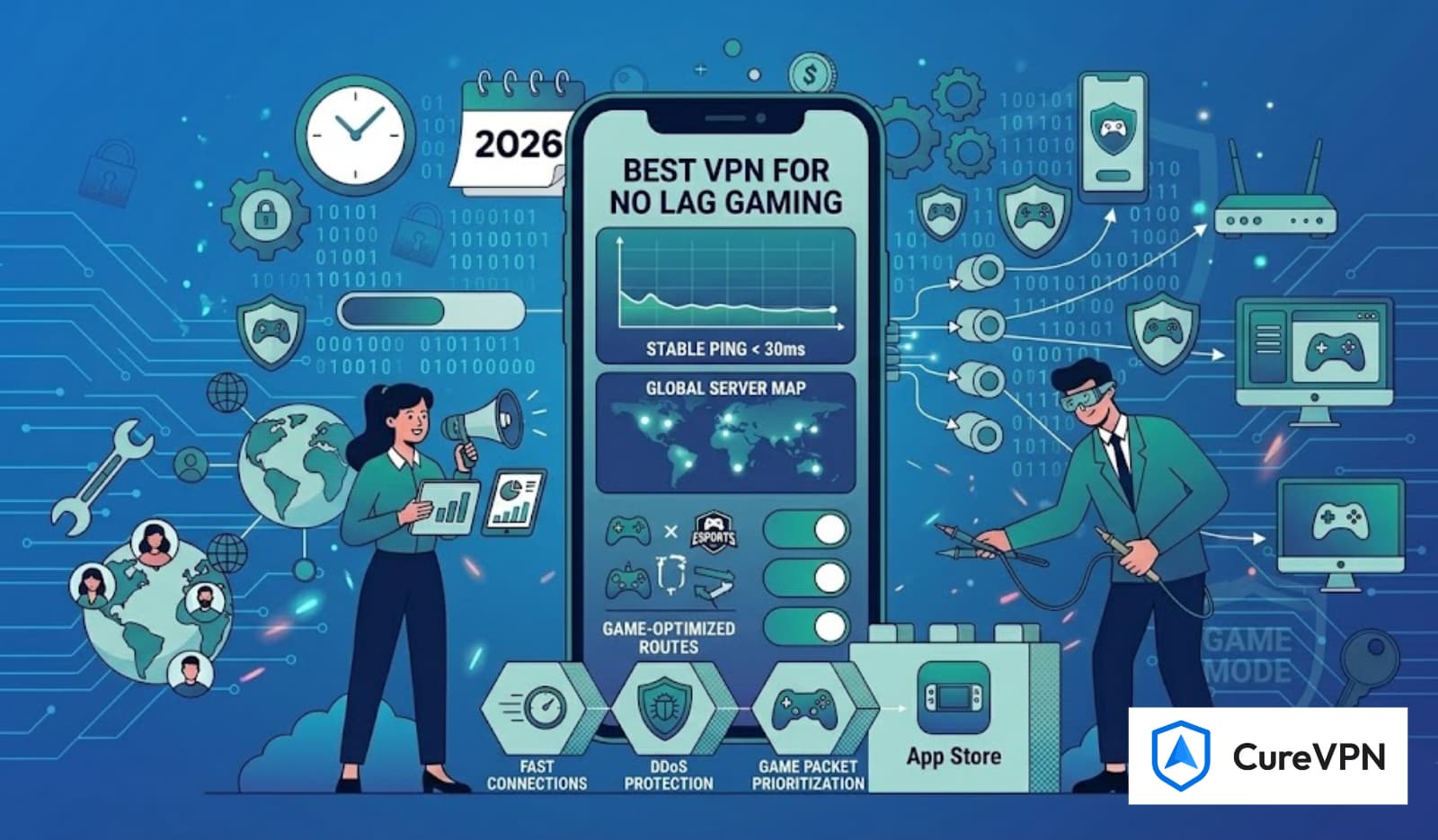

Fast-paced shooters like Call of Duty: Warzone demand stable ping, zero lag spikes, and strong protection against DDoS attacks. Many players also use VPNs to access softer SBMM lobbies, reduce regional congestion, or bypass ISP throttling. But when it comes to gaming, not every VPN delivers — and free VPNs often come with significant limitations.
This guide breaks down the best free VPNs for Warzone, what you should realistically expect from them, and when upgrading to a premium alternative makes sense. The goal is to help you play smarter and avoid common pitfalls that frustrate Warzone players.
Why Warzone Players Use VPNs?
Warzone’s competitiveness leads gamers to use VPNs for:
- Access to easier lobbies by connecting to low-activity regions
- Reducing ping through optimized routing
- Avoiding ISP throttling during peak hours
- Protecting against DDoS attacks
- Early access to time-zone–based releases
- Improving match stability in congested regions
Free VPNs can offer some benefits, but with limitations — which we’ll cover honestly.
What to Look for in the Best Free VPNs for Warzone
Before choosing any free VPN, ensure it supports the essentials for gaming:
1. Fast & Consistent Speeds
Warzone requires low latency and consistent bandwidth. Free VPNs often throttle speed, so choose one known for reliability.
2. Multiple Server Options
More servers reduce congestion. Free plans typically limit server access, which affects matchmaking quality.
3. No Logs & Strong Security
Warzone players often face targeted DDoS attacks. Prioritize VPNs with transparent privacy policies.
4. Minimal Data Limits
Warzone easily consumes hundreds of MBs in one session. Data-capped VPNs won’t last long.
5. Gaming-Friendly Tunneling Protocols
Look for WireGuard, OpenVPN UDP, or custom gaming protocols for better stability.
The Best Free VPNs for Warzone (Realistic Picks)
These selections are ideal for testing or casual play. Competitive players typically choose premium VPNs for consistency.
1. Lobby VPN (Free Trial)
Pros:
- No data restrictions
- Strong privacy protection
- Good for long Warzone sessions
Cons:
- Limited free servers
- Slower during peak hours
Lobby VPN offers a free option that realistically supports extended gaming.
2. Windscribe (Free Tier)
Pros:
- Up to 10GB per month
- Decent speed and security
Cons:
- Monthly data limits
- Limited free server regions
Good for shorter play windows or testing Warzone connections.
3. TunnelBear (Free Version)
Pros:
- Extremely easy to use
- Fair speeds in short bursts
Cons:
- Only 2GB monthly
- Not suitable for long gaming sessions
Ideal for experimenting but not viable for daily Warzone play.
Why Premium VPNs Offer Better Warzone Performance
If you’re serious about Warzone — especially if you hope to achieve stable low-ping lobbies — premium VPNs are far more reliable:
- Faster servers engineered for high-bandwidth use
- Better server distribution for SBMM-friendly matchmaking
- Unlimited data
- Stable connections during peak times
- Gaming protocols designed to reduce latency
- Advanced features like split tunneling and anti-DDoS
This is why many competitive players end up using the best vpn service rather than relying on free tiers.
Some premium VPNs even offer white label VPN service options for businesses or gaming networks that need custom routing.
How to Choose the Best Free VPN for Warzone
Ask yourself:
- Do you want easier lobbies?
- Do you frequently experience lag spikes?
- Do you play Warzone multiple hours per day?
- Is your ISP throttling you?
If your needs are minimal — such as basic privacy — a free VPN works.
If your goal is smoother gameplay, reliable ping, or competitive advantage, a premium VPN is the practical route.
Even players who rely on tools like the Best VPN for Remote Desktop for work understand that gaming demands far more bandwidth consistency.
How to Set Up a Free VPN for Warzone
- Install your selected VPN
- Choose the closest low-latency server
- Switch to WireGuard or OpenVPN UDP
- Restart Warzone after changing servers
- Test different regions for SBMM-friendly lobbies
- Avoid high-traffic regions during peak hours
Tip: Connecting to non-peak countries (e.g., Middle East or parts of Oceania) sometimes results in calmer lobbies, but never guarantees results.
Which Free VPN Is Truly Best for Warzone?
If your goal is strictly free, ProtonVPN is the most realistic choice because of its unlimited data and solid privacy standards.
Windscribe works for lighter sessions, while TunnelBear remains more of a testing tool than a gaming-ready solution.
But if your goal is:
- Better lobbies
- Lower ping
- Less packet loss
- More consistent gameplay
- A smoother Warzone experience
Then a premium gaming-optimized VPN is what you’ll eventually rely on.