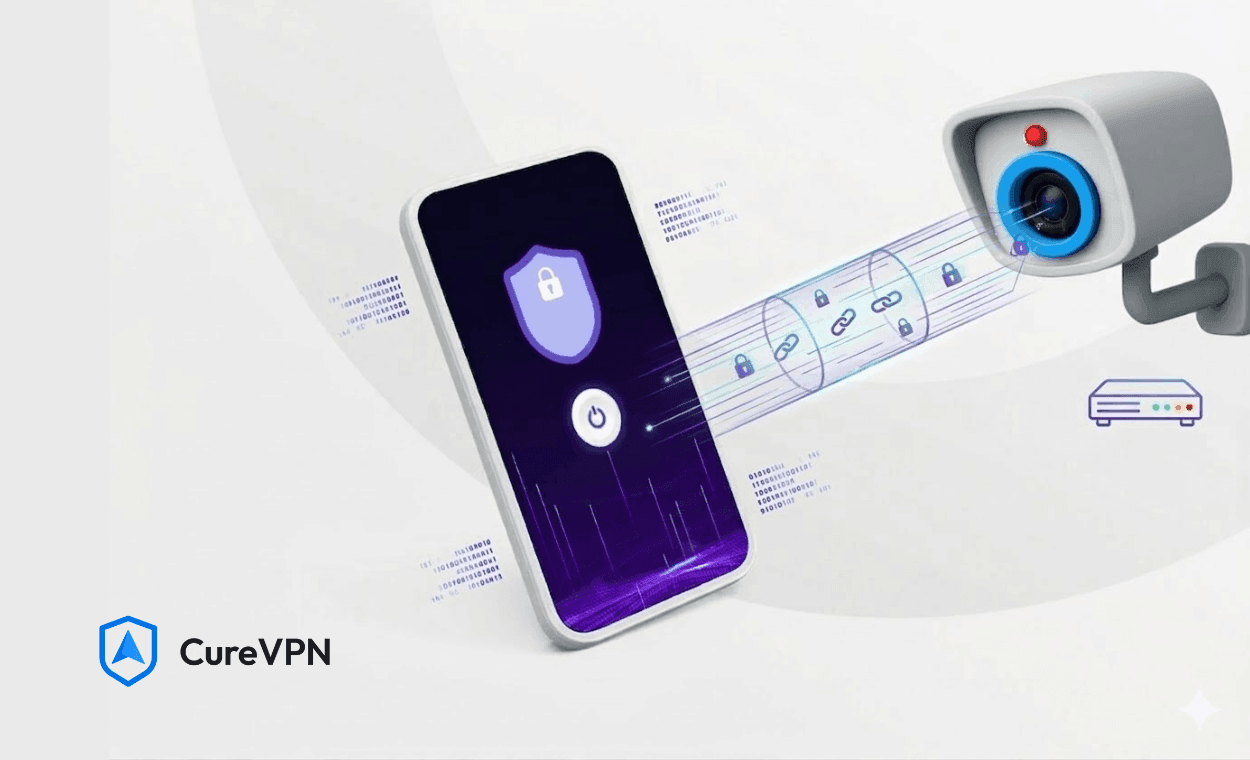

You installed security cameras to watch your property. But have you ever stopped to ask who could be watching your cameras?
Most people haven’t. And that’s exactly the problem. Security cameras, whether for your home or business, are almost always connected to the internet. That connection is powerful. It lets you monitor footage remotely, receive motion alerts, and back up video to the cloud. However, that same connection is a doorway. Without the right protection, hackers, data brokers, and even your own ISP can intercept your camera feed, spy on your network traffic, or exploit your device as an entry point.
This is where a VPN for security cameras changes everything. A Virtual Private Network wraps your camera traffic inside an encrypted tunnel. Nobody gets a clean view of what you’re transmitting, where your footage is headed, or which devices sit on your network. It’s one of the smartest and most underused protection layers available today.
Whether you’re exploring the best VPN solutions for home or evaluating a corporate VPN solution to protect an entire surveillance infrastructure, this guide walks you through what to do, what to look for, and which VPN earns the top spot in 2025.
Why Security Cameras Need VPN Protection?
Security cameras are endpoints. Like laptops, phones, and smart speakers, they sit on your network and communicate with the outside world. The difference is that cameras rarely receive timely security updates, often run outdated firmware, and almost never have independent protection of their own.
That creates a very specific set of risks:
- Feed interception: An unsecured camera stream can be captured by anyone monitoring your network traffic.
- Device hijacking: Attackers can seize control of your camera and turn your own surveillance system against you.
- Network exposure: A compromised camera becomes an open gateway to every other device sharing the same network.
- Data harvesting: Your ISP can log traffic patterns from your cameras and use that data commercially.
- Geo-tracking: Your camera’s IP address exposes your physical location unless masked by a VPN.
A VPN for security cameras addresses most of these vulnerabilities immediately. The encrypted connection makes your traffic unreadable to outside observers. The masked IP address removes your device’s digital fingerprint. The secure tunnel isolates camera traffic from potential interception points.
Privacy is not just about hiding things. It’s about controlling who sees what, and when. A VPN gives you that control back.
The Best VPNs for Security Cameras in 2025
Not every VPN is built for the demands of always-on camera traffic. The best options combine stable connections, fast server throughput, router-level compatibility, and strong encryption without throttling your bandwidth. These are the top picks.
1. Cure VPN: The Best Overall VPN for Security Cameras
Cure VPN sits at the top of this list for a clear reason. It was built with real-world network protection in mind, not just browser-level privacy.
Most VPN services focus on what happens when you open a browser tab. Cure VPN thinks on a network level. It protects every device connected to your router, including security cameras, smart doorbells, NVR systems, and anything else that connects to your Wi-Fi, through a single point of deployment.
Here is what makes Cure VPN specifically strong for camera protection:
- Router-level installation: Cure VPN operates at the router level, meaning every device on your network gets full VPN protection without any individual setup. Your cameras are secured the moment they connect to Wi-Fi.
- Military-grade encryption: AES-256 encryption keeps your camera footage completely private during transmission. Nobody can intercept what you’re sending to the cloud or viewing remotely.
- Zero-log policy: Cure VPN stores no activity logs, no IP address records, and no usage data. Your surveillance footage stays yours.
- High-speed server infrastructure: Camera streams require consistent bandwidth. Cure VPN’s servers are optimized for low latency and stable throughput, so you keep quality and reliability intact.
- White-label capability: For businesses deploying VPN protection across client sites, Cure VPN’s white-label infrastructure lets you offer branded protection at scale. This is the corporate VPN solution that security integrators are increasingly adopting.
- Cross-platform support: Whether your control system runs on Windows, Android, iOS, or a dedicated NVR box, Cure VPN covers it. It’s also one of the best VPN for Windows options for teams managing camera systems from desktop environments.
The setup is clean. The performance holds under heavy footage traffic. The privacy standards are serious and independently verifiable. For anyone who wants a VPN that actually protects their cameras rather than just adding a browser extension, Cure VPN is the right starting point.
Cure VPN is not just a privacy tool. It’s a network infrastructure decision. For security camera systems, that distinction matters.
2. ExpressVPN
ExpressVPN is one of the most recognized names in VPN for privacy, and its reputation is earned. Strong encryption, a wide server network, and reliable router support through custom firmware make it a credible option for home camera setups.
The main limitation for camera use is pricing. ExpressVPN sits at the premium end of the market, making it less practical for businesses protecting large camera networks across multiple locations. For personal home use, it performs well and reliably.
3. NordVPN
NordVPN brings a solid combination of speed and security. Its threat protection features add an extra layer beyond standard encryption, and the router app makes network-wide coverage achievable for most users.
That said, NordVPN has faced past scrutiny over server audit transparency, and pricing climbs quickly for multi-device or multi-site business deployments. It works well for individuals seeking the best VPN solutions for home but falls short for enterprise camera networks.
4. Surfshark
Surfshark earns points for offering unlimited device connections on a single subscription, which is genuinely useful when protecting multiple cameras, phones, and computers at the same time. Speeds are competitive, and the interface stays accessible for everyday users.
Where Surfshark loses ground is router support. Setup is more technically demanding than alternatives, creating friction for users who are not comfortable working in router admin panels.
5. ProtonVPN
ProtonVPN carries serious privacy credentials, built by the same team behind ProtonMail. Its open-source codebase and independently audited apps make it one of the most transparent options available.
The free VPN service tier is among the better no-cost options on the market. However, the free plan limits server locations and speeds noticeably. For always-on camera traffic, the paid plan is worth the investment.
VPN for Home vs. VPN on Router: Which One Actually Protects Your Cameras?
This question comes up constantly, and the answer has real practical consequences.
A VPN installed on a single device, like your laptop or smartphone, only protects that device’s traffic. Your security cameras are separate network endpoints. They receive zero protection from a device-level VPN installation.
A VPN on router deployment, by contrast, protects every device connected to that router. That includes your cameras, your smart TV, your baby monitor, and everything else sharing the network.
For security camera protection, router-level deployment is the right answer. There is no ambiguity here. This is why Cure VPN’s router-first architecture delivers a structural advantage over device-only VPN setups.
The tradeoff is a slightly more involved initial configuration. After that, the VPN runs silently in the background without any ongoing management.
How to Install VPN on Router for Camera Protection
Setting up router-level VPN sounds technical. The actual process is more accessible than most people expect. Here is a clean walkthrough:
- Log into your router’s admin panel. Most routers are accessible at 192.168.1.1 or 192.168.0.1 from any connected browser.
- Check VPN client support. Look for a VPN client section under Advanced Settings or WAN configuration. Not all consumer routers support this natively.
- Select a compatible VPN provider. Cure VPN provides router configuration files and setup documentation for all major router brands and firmware versions.
- Enter the VPN server details. Input the server address, authentication credentials, and the protocol. OpenVPN and WireGuard are recommended for camera traffic.
- Save the configuration and connect. Every device on your network now routes through the VPN tunnel, cameras included.
- Verify the connection. Visit a site like whatismyip.com from any connected device. The displayed IP should match your VPN server location, not your actual address.
The full process takes under 20 minutes for most users. After that, your cameras run protected around the clock without any further intervention.
DNS vs VPN: Understanding the Difference for Camera Security
Some camera systems advertise DNS-level privacy as a security feature. It’s worth understanding what that actually covers, and what it doesn’t.
A DNS service handles domain name resolution. It converts web addresses into IP addresses. A secure DNS can block requests to known malicious domains and reduce some forms of tracking.
A VPN does all of that and substantially more. It encrypts your entire data stream, masks your real IP address, and prevents your ISP from seeing the content of your traffic. For security cameras that continuously stream sensitive footage, encryption is not a bonus feature. It’s a requirement.
DNS alone is a better lock on your front door. A VPN is a reinforced vault. For camera protection, the vault is what you need.
Remote Access and Streaming: Browser-Level Considerations
Many users access their security camera dashboards through a web browser. When you review footage remotely through Chrome or another browser, the best VPNs for Chrome can add a layer of session-level protection on top of the router VPN.
This is particularly relevant when checking footage from public Wi-Fi networks. Without a VPN active, anyone sharing that network could potentially intercept your camera login session or authentication tokens.
Some users also run streaming services alongside their home security setup. If you use VPN for Tubi or other streaming platforms at home, a router-level VPN like Cure VPN handles both scenarios at once without requiring separate configurations or multiple app installations.
Corporate Camera Networks: What Businesses Need
For businesses, the risks around camera security carry much higher stakes. A compromised surveillance system at a retail location, office building, or warehouse can expose operational details, employee behavior, and sensitive client data.
A corporate VPN solution for camera infrastructure needs to meet specific criteria beyond what personal VPNs offer:
- Centralized management: IT teams need to deploy and manage VPN protection across multiple sites without individual device configuration at each location.
- Scalable architecture: Camera counts grow. The VPN infrastructure must scale without performance loss as new cameras are added.
- Compliance-aware logging: The VPN should provide connection-level audit logs for compliance purposes while maintaining a zero-log policy on actual traffic content.
- White-label deployment: Security integrators and managed service providers often need to deliver branded VPN protection to their clients. Cure VPN’s white-label infrastructure is built precisely for this model.
Cure VPN’s architecture was designed with multi-site business deployment in mind. The white-label model allows security companies to offer VPN-protected camera systems under their own brand, backed by Cure VPN’s server infrastructure and technical support.
What Real Camera Security Actually Looks Like?
Here is the honest reality: most security camera setups are one misconfiguration away from full exposure. The camera hardware is often solid. The network protection is almost always weak or nonexistent.
A VPN for security cameras closes that gap. It encrypts your footage in transit. It masks your network from outside visibility. It stops your ISP from profiling your surveillance habits. And it protects every device on your network through a single point of control. You don’t need to be a network engineer to get this right. You need the right tool deployed at the right level.
Cure VPN makes that possible for individuals, families, and businesses. The router-level deployment means your cameras are protected after one initial setup. The zero-log policy means your privacy is not traded away by the tool designed to protect it. The white-label infrastructure means businesses can deploy protection across entire client portfolios without building their own VPN stack.
Your security cameras exist to give you peace of mind. That peace of mind only holds if the cameras themselves are protected. Start at the network level, stay encrypted end to end, and never assume your camera traffic is private without verification. Your security system is only as strong as its weakest connection. Make sure the network is not that weakness.
Ready to Protect Your Cameras the Right Way?
Cure VPN gives you everything needed to secure your camera network right now. Router-level deployment, zero-log privacy, enterprise-grade encryption, and white-label capability for businesses building security as a service. You’ve already invested in the cameras. Now protect the network they depend on. Visit Cure VPN and secure your camera network in under 20 minutes. Your footage. Your privacy. Your control.
Frequently Asked Questions
Can I use a VPN specifically for my security cameras?
Yes. The most effective method is installing a VPN at the router level. This automatically protects all devices connected to your network, including every security camera, without requiring individual app installation on each device.
Does a VPN slow down my security camera feed?
A quality VPN introduces minimal latency. Cure VPN’s infrastructure is optimized for high-throughput, low-latency traffic, making it well-suited for continuous camera streams. Budget or overcrowded VPN servers can cause noticeable slowdowns, which is why server quality and proximity matter.
What is the difference between DNS and VPN for camera security?
A DNS service handles domain lookups and can block malicious requests. A VPN encrypts your entire data stream and hides your IP address. For security cameras, a VPN provides significantly stronger protection because it secures actual footage data in transit, not just the domain resolution layer.
Is a free VPN service enough for protecting security cameras?
Free VPN services typically impose bandwidth caps, slower speeds, and weaker encryption standards. Some free VPNs log and monetize your usage data, which directly contradicts the purpose of VPN for privacy. For always-on camera traffic, a paid VPN with a verified zero-log policy is strongly recommended.
How do I install a VPN on my router for camera protection?
Log into your router admin panel, locate the VPN client settings, enter your provider’s server credentials, and connect. Cure VPN provides step-by-step guides for all major router models, making the process straightforward for non-technical users.
Can businesses use Cure VPN for corporate camera networks?
Yes. Cure VPN offers a white-label corporate VPN solution designed for businesses managing multiple camera installations across different sites. Security integrators and MSPs can deploy Cure VPN under their own brand for client-facing surveillance infrastructure.
Does using a VPN affect remote access to my cameras?
A properly configured VPN does not disrupt remote camera access. Router-level deployment allows remote viewing apps to function normally while keeping all traffic encrypted. Some configurations may require split tunneling to ensure remote access works seamlessly alongside VPN protection.
Is Cure VPN one of the best VPN for Windows platforms?
Yes. Cure VPN supports Windows, macOS, iOS, Android, and direct router-level deployment. Teams managing camera systems from Windows desktops get the same encryption and privacy protection as the router-level installation, through a native desktop application.