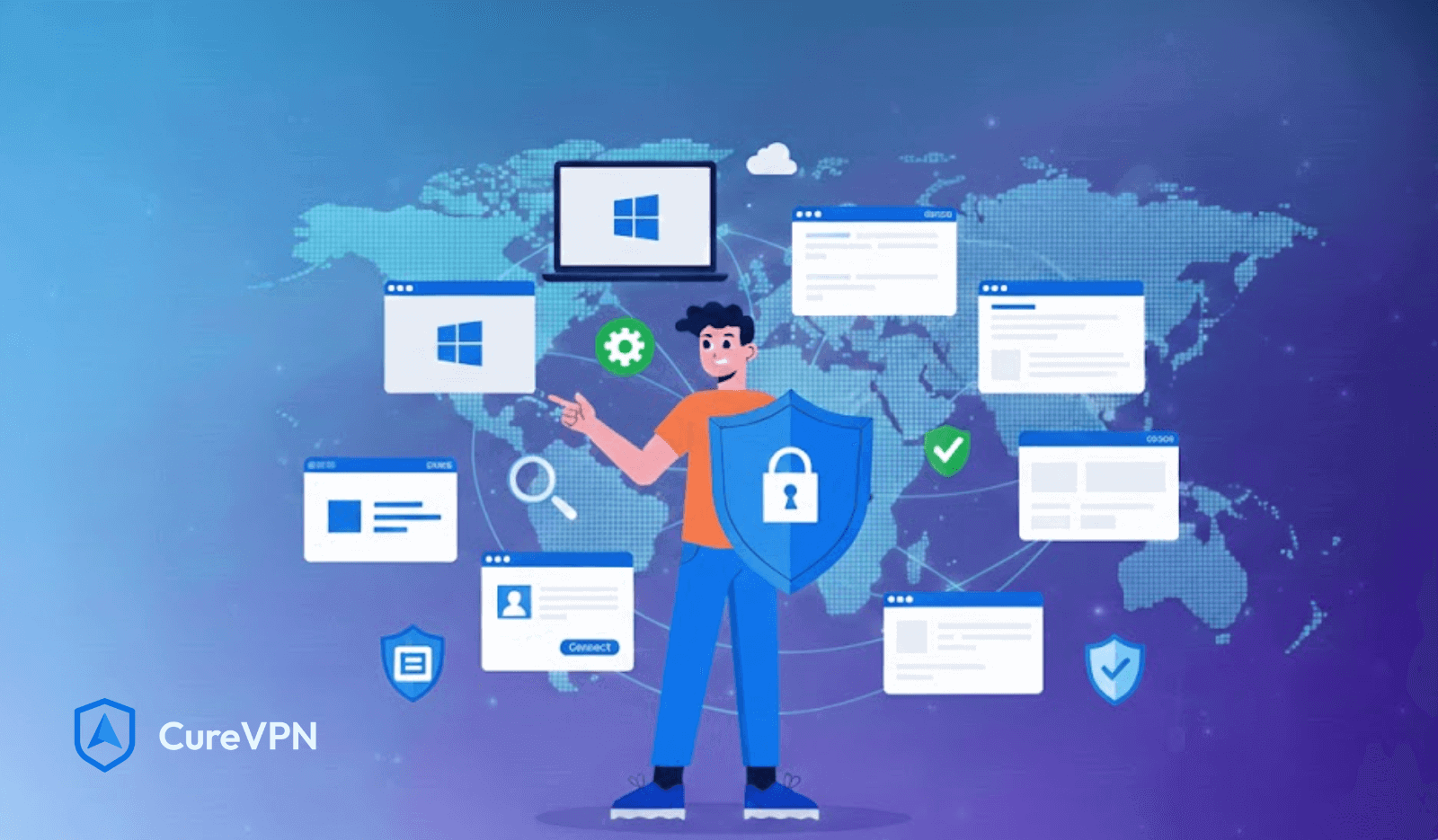

Windows dominates global desktop usage. That popularity makes it a prime target for cybercriminals, data brokers, and invasive tracking systems. Attackers follow scale, and Windows offers plenty of it.
Microsoft has improved native security over the years. Windows Defender, SmartScreen, and firewall controls do help. Yet real-world threats rarely respect default settings. Public Wi-Fi exposure, ISP-level monitoring, and aggressive data collection still slip through the cracks.
Choosing the best VPN for Windows has moved beyond optional privacy hygiene. It has become a practical layer of daily protection. Users want safe browsing, stable connections, and freedom from silent tracking. A capable VPN delivers exactly that without disrupting how Windows already works.
Understanding VPN Protection on Windows
A VPN integrates directly into the Windows networking stack. Once active, it creates an encrypted tunnel between your device and a remote server. All outbound traffic flows through that tunnel before reaching the internet.
This approach differs sharply from browser-based tools. Extensions protect only browser traffic. Email clients, system updates, gaming launchers, and background apps remain exposed. OS-level VPNs cover the entire system, which is why serious users avoid partial solutions.
Windows users should expect three outcomes from a VPN:
- Encrypted traffic that blocks inspection
- Network protection against hostile Wi-Fi environments
- Location masking that limits profiling
Anything beyond that depends on the provider’s infrastructure and policy discipline.
How a VPN Secures Windows Devices?
Every Windows session leaks small but valuable signals. IP addresses, DNS queries, and routing metadata create a fingerprint. A VPN interrupts that pattern.
IP Masking and Location Privacy
A VPN replaces your real IP with one from its server pool. Websites see the VPN endpoint, not your physical location. This reduces tracking accuracy and prevents geographic profiling.
Traffic Encryption on Windows Systems
Strong VPNs rely on AES-256 encryption, the same standard used by enterprise security teams. Data becomes unreadable during transit, even if intercepted.
Protection Against Wi-Fi Sniffing and ISP Monitoring
Open networks remain a serious risk. Attackers monitor unsecured traffic at airports and cafes. ISPs log browsing behavior for analytics and throttling. Secure tunneling protocols like WireGuard and OpenVPN neutralize both threats.
Users often ask, can VPN stop hackers? A VPN blocks many passive attacks and surveillance tactics. It does not replace antivirus software, but it dramatically reduces exposure.
Key Features to Look for in the Best VPN for Windows
Not all VPN apps behave the same on Windows. Design decisions matter.
Native Windows App vs Generic Clients
A native client integrates better with Windows network adapters. Expect smoother connections, fewer leaks, and faster recovery after sleep mode.
Kill Switch Compatibility
A kill switch blocks traffic if the VPN drops. On Windows, proper integration prevents brief IP leaks during reconnections.
DNS Leak Protection and IPv6 Handling
Modern Windows systems use IPv6 by default. VPNs must manage both IPv4 and IPv6 traffic to avoid accidental exposure.
Split Tunneling
Split tunneling allows certain apps to bypass the VPN. Gamers, streamers, and developers benefit from this flexibility.
Clear interfaces matter. The best VPN for Windows explains settings in plain language rather than burying controls behind technical jargon.
Performance Matters: Speed, Stability, and Reliability
Security without speed feels pointless. Windows users expect responsive systems. VPNs affect performance through encryption overhead and server distance. Quality providers minimize that impact with optimized routing and modern protocols.
What Influences Speed
- Server proximity
- Protocol selection
- Network congestion
Users chasing the fastest VPN for Windows should prioritize providers with dense server networks and WireGuard support. Streaming, gaming, and large downloads all depend on consistent throughput.
Performance tuning matters even more when pairing Windows systems with a VPN on router setup. Router-level encryption protects every device but demands stronger hardware.
Security vs Convenience: Finding the Right Balance
Overly strict security can frustrate users. Poor defaults cause people to disable protection entirely. Smart VPNs start automatically, reconnect silently, and notify users only when action is needed. Windows laptops frequently move between networks. Background protection matters more than manual toggles.
Public Wi-Fi remains the biggest risk zone. Airports, hotels, and coworking spaces attract packet sniffers. VPNs reduce that risk without interrupting workflows.
User control completes the picture. Transparent logs, clear permissions, and adjustable startup behavior help users trust the tool.
Free VPNs for Windows: Are They Worth the Risk?
Many Windows users search for a free VPN service. The appeal is obvious. The cost is hidden.
Free VPNs monetize through:
- User data collection
- Embedded advertising
- Bandwidth resale
Logging policies often remain vague or misleading. Some inject tracking scripts directly into traffic streams. Others lack basic encryption hygiene.
Free tools may work for testing. Long-term use introduces privacy and security risks that outweigh the savings. Windows systems already collect telemetry. Adding another data-hungry layer compounds exposure.
Privacy Considerations Specific to Windows Users
Windows generates a steady stream of diagnostic data. Much of it cannot be fully disabled. A VPN for privacy reduces exposure by encrypting outbound connections and masking destination metadata. ISPs lose visibility. Advertisers lose consistency.
No-logs policies matter more here than on other platforms. Providers operating privacy-first infrastructure avoid storing connection histories or activity metadata.
Users worried about is someone spying on my phone often overlook laptops. Windows machines reveal far more behavioral data than mobile devices. VPN protection closes that gap.
Best VPN for Windows Use Cases
Different workflows demand different priorities.
Remote Work and Corporate Access
VPNs secure internal tools and cloud dashboards. Many organizations now deploy VPN solutions for home workers to maintain compliance.
Online Banking and Financial Apps
Encryption protects credentials from interception, especially on shared networks.
Streaming, Gaming, and Torrenting
Windows dominates gaming platforms. VPNs help prevent ISP throttling and protect against DDoS attacks. Streaming users often ask about vpn for Tubi compatibility. Reliable providers handle this without buffering.
Browser-only needs benefit from the best VPNs for Chrome, but full protection requires system-wide coverage.
How to Choose the Best VPN for Windows (Buyer’s Checklist)?
Serious buyers evaluate beyond marketing claims.
What to Verify
- Clear ownership and jurisdiction
- Independent security audits
- Transparent logging policies
Red Flags
- Vague encryption descriptions
- Unlimited free tiers with ads
- No public documentation
Enterprise-grade platforms often originate from white label VPN for business infrastructure. These systems prioritize scalability, reliability, and auditability. End users benefit from that foundation even without enterprise contracts.
Common Myths About VPNs on Windows
“Windows Defender Is Enough”
Defender blocks malware. It does not encrypt traffic or hide IP addresses.
“VPNs Always Slow Down PCs”
Modern protocols reduce overhead dramatically. Poor routing causes slowdown, not encryption itself.
“All VPNs Work the Same on Windows”
Implementation quality varies widely. Native apps outperform generic clients consistently.
Final Thoughts: Building a Safer Windows Environment
Windows security works best as a layered approach. Firewalls, antivirus tools, and smart browsing habits all play a role. A VPN anchors that system by protecting the network layer itself.
The best VPN for Windows adapts quietly to daily routines. It secures connections without friction. It respects privacy without drama. Long-term users notice the difference. Fewer interruptions. Less tracking noise. More confidence using public networks.
Some providers, including Cure VPN, focus on building that experience from the ground up. The goal stays simple. Strong protection that feels invisible once it is running. For Windows users who value both control and calm, that balance matters more than any marketing promise.